A Link Between Worlds Native PC Port Update Fixes Windows Launch Crashes
The albw-native project released v0.2.12, fixing Windows first-launch crashes and renderer issues for the 3DS Zelda PC port.
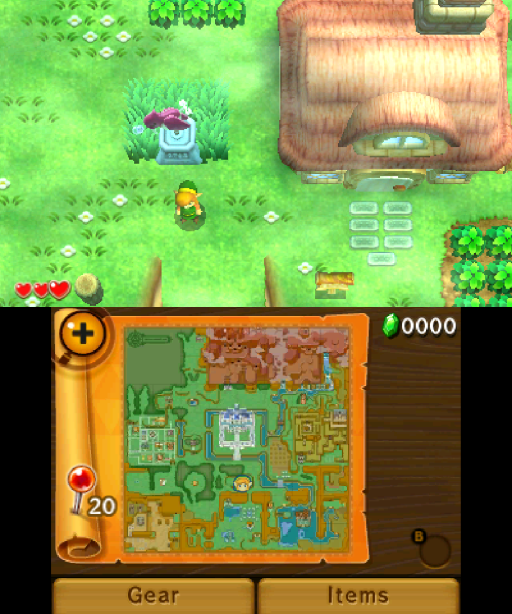
Developer spacestate1 released version 0.2.12 of albw-native, a native PC port of the Nintendo 3DS title The Legend of Zelda: A Link Between Worlds. Built from decompiled game code (based on albw-decomp-ai), the project runs the original game logic directly as native C code alongside an SDL3 and OpenGL renderer instead of using emulation.
This update is Windows-only; the Linux release remains at v0.2.10. The game previously failed on its first launch because Windows loaded a compatibility DLL (apphelp.dll) into memory the game needed. Release v0.2.12 resolves this by reserving the required memory ranges inside ALBW.exe before any DLL loads. The software renderer fallback --software-gl also no longer forces slow rendering on PCs with a real graphics adapter, and the game now asks NVIDIA and AMD drivers for the faster GPU on dual-graphics laptops.
The port is a work in progress, and the Windows build is experimental and untested on real graphics hardware, with a known black-screen crash after name confirmation on an RTX 5070 Ti. To run it, players must supply their own decrypted European 3DS ROM dump (0487), as US and Japanese dumps do not work. Linux users can run the pre-built ALBW-native-x86_64.AppImage directly with the --rom argument, while Windows users can unzip ALBW-windows.zip and select their .3ds file on startup.