albw-native v0.2.10 Adds X11 Support for Linux AppImage
albw-native v0.2.10 fixes X11 startup failures in the Linux AppImage for A Link Between Worlds on Steam Deck.
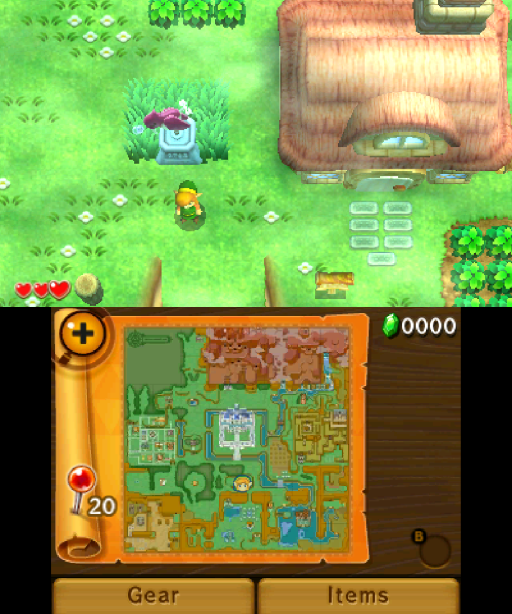
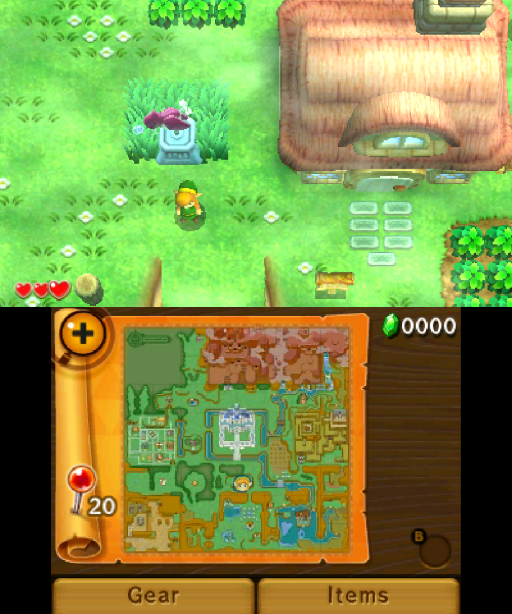
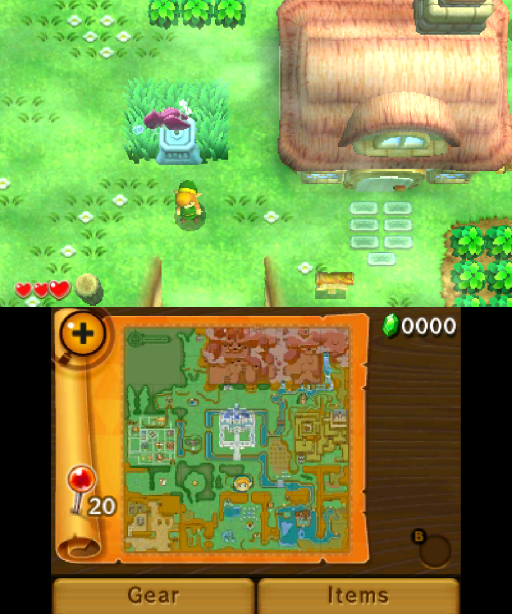
albw-native, a native PC port of Nintendo 3DS game The Legend of Zelda: A Link Between Worlds built from decompiled code (based on albw-decomp-ai), released v0.2.10 on 2026-11-23. The project is a work in progress (playable through large parts of the story, with bugs expected), and this update targets Linux and Steam Deck Game Mode while Windows builds remain unchanged from v0.2.9.
Earlier AppImage builds compiled SDL without X11 support, causing “SDL_Init: x11 not available” errors outside pure Wayland sessions. Release v0.2.10 enables X11 support inside the AppImage and logs which X11 libraries load if a display still fails to open. The author tested it on an X11 desktop and in an Arch Linux container, not yet on a real Steam Deck. Windows support is experimental and has not been tested on real Windows hardware yet (only reaching the title and file select under Wine); builds from v0.2.7 and v0.2.8 do not start, so Windows users should use v0.2.9 or v0.2.10.
To run it on Linux, grab ALBW-native-x86_64.AppImage from the releases page, run chmod +x ALBW-native-x86_64.AppImage, and pass your own decrypted European .3ds ROM via --rom (requires a 32-bit C library and OpenGL driver). US and Japanese ROMs do not work.