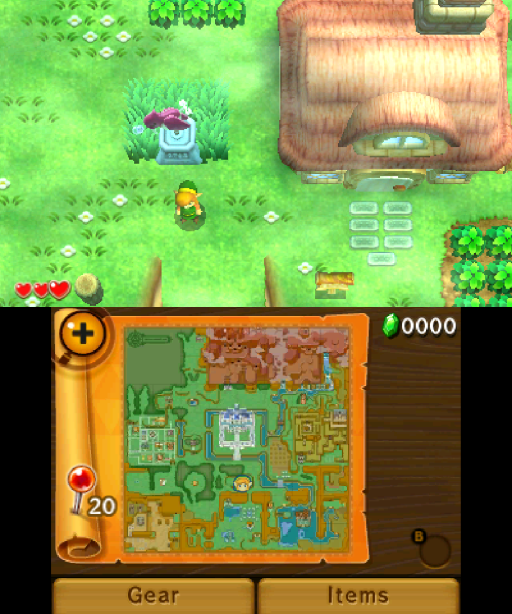
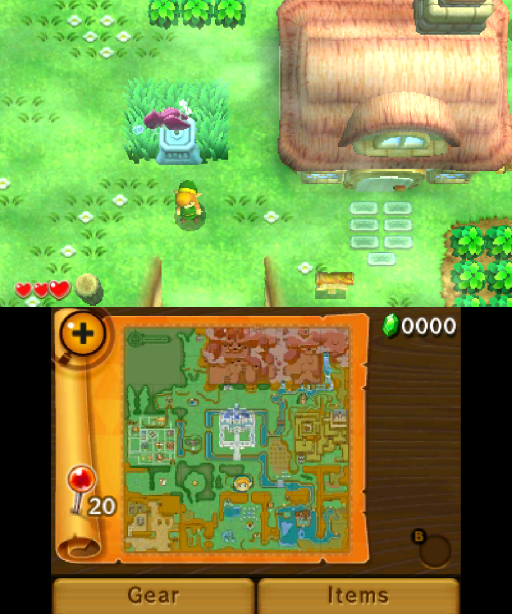
A Link Between Worlds PC port v0.2.5 fixes wall-merging softlocks and crashes
albw-native v0.2.5 fixes wall-merging softlocks, corner crashes, and save state loading in the native Linux and experimental Windows port of the 3DS Zelda.
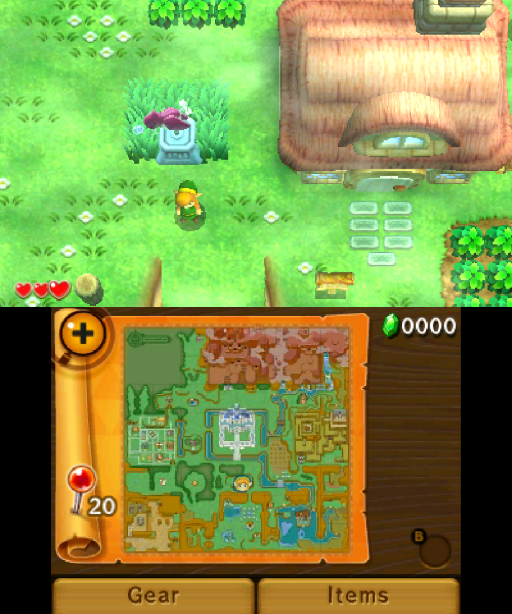
albw-native, a native Linux and experimental Windows port of the Nintendo 3DS game The Legend of Zelda: A Link Between Worlds built from decompiled C code, reached version v0.2.5 on November 21, 2026. The update fixes two bugs in Link’s wall-merging mechanic that caused softlocks and crashes.
In earlier builds, stepping onto the exact seam between two wall triangles made the game misread the boundary as the end of the wall, leaving Link stuck. Walking past a corner also triggered a crash because two wall-height checks read whole numbers as floats. Release v0.2.5 resolves both issues and improves save state compatibility when loading states saved while merged into a wall.
Built on top of the albw-decomp-ai decompilation project, albw-native runs the game logic natively without an emulator, rewriting graphics, sound, and input using SDL3 and OpenGL. It remains a work in progress that is playable through large parts of the story, though players should expect bugs.
How to try it
No game assets or ROMs are included. You must supply your own decrypted dump of the European release (0487 - Legend of Zelda, The - A Link Between Worlds (Europe) (En,Fr,De,Es,It) Decrypted.3ds, SHA-1 4d2da91fa0edef9eef07e471527461396cc3faf2). USA and Japanese dumps do not work because the decompiled code relies on European memory addresses.
- Linux (x86-64): Download
ALBW-native-x86_64.AppImage, make it executable withchmod +x ALBW-native-x86_64.AppImage, and run./ALBW-native-x86_64.AppImage --rom /path/to/game.3ds. It supports Ubuntu 22.04/24.04, Debian 12+, Fedora, Arch, and SteamOS, provided 32-bit C libraries and OpenGL drivers are installed. - Windows (experimental): Download
ALBW-windows-experimental.zip, extract it, and launchALBW.exe. This build has only been tested under Wine so far, reaching the title and file select screens.
The port supports one- or two-window layouts, a widescreen toggle on F10, and a single-screen mode on F9 that swaps between top and bottom screens with Tab. Set the ALBW_LANGUAGE environment variable from 1 to 5 to switch between English, French, German, Italian, and Spanish.