albw-native v0.2.9 fixes Windows launch crash for A Link Between Worlds PC port
albw-native v0.2.9 resolves the loader startup error on Windows, updates portable mode save paths, and adds Steam Deck Game Mode display logging.
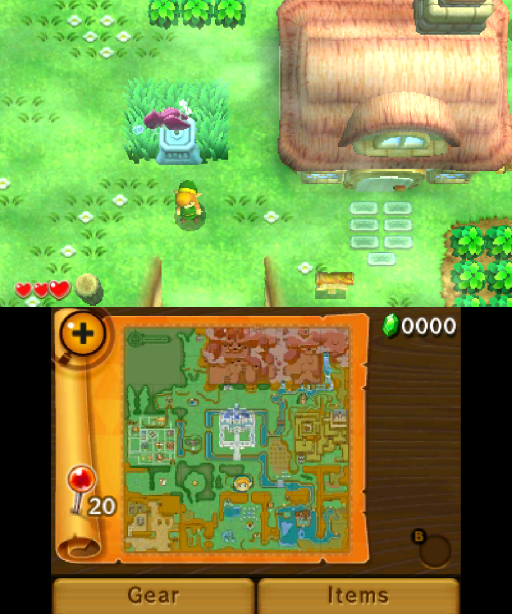
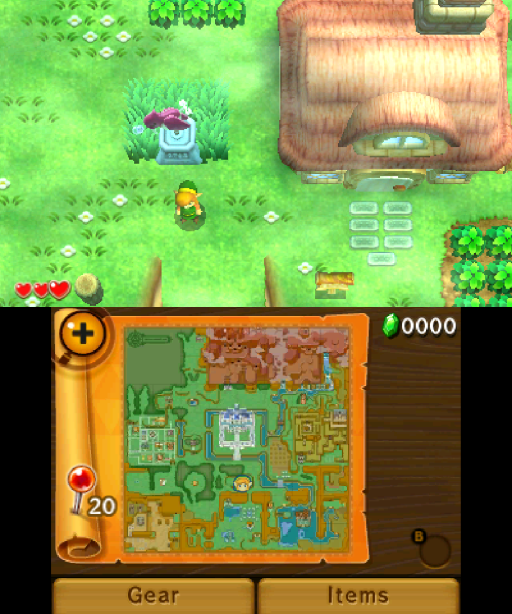
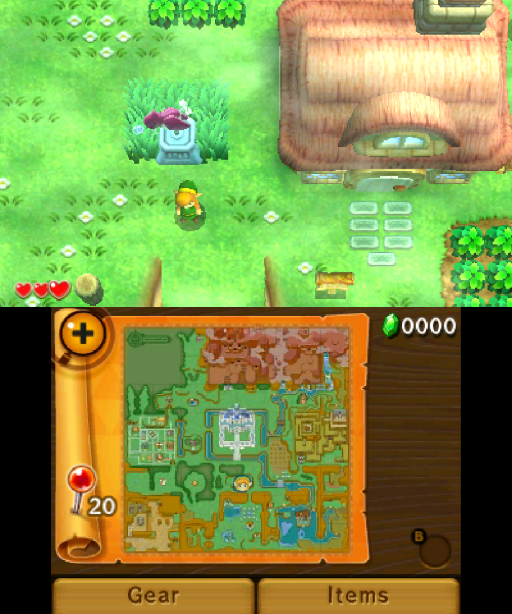
albw-native, a native Linux and Windows port of the Nintendo 3DS game The Legend of Zelda: A Link Between Worlds built from decompiled C code (based on albw-decomp-ai), received version 0.2.9. The update fixes a startup bug that prevented builds 0.2.7 and 0.2.8 from launching on Windows with a missing loader functions error.
If you use portable mode via the albw-data folder, the port now stores save files inside that directory rather than the system home folder. Existing users who want to keep their progress should copy their files from ~/.local/share/albw-port/save over to albw-data/share/albw-port/save. The release also improves display logging for Steam Deck Game Mode and names what blocks memory if a Windows memory error occurs.
To play, you must supply your own decrypted dump of the European 3DS release (0487 - Legend of Zelda, The - A Link Between Worlds (Europe) (En,Fr,De,Es,It) Decrypted.3ds), as USA and Japanese versions are unsupported. On Linux, download ALBW-native-x86_64.AppImage, make it executable, and pass your ROM with --rom; the system also needs a 32-bit C library and OpenGL driver. The developer has not yet tested the Windows and Steam Deck fixes on physical hardware, Windows support remains experimental, and the port is still a work in progress.