Nebula 1.0.2 adds frame rates above 60 and DLSS to Super Mario Galaxy on PC
Nebula 1.0.2 runs Super Mario Galaxy natively on Windows, with frame rates above 60, NVIDIA DLSS and a fix for a save crash.
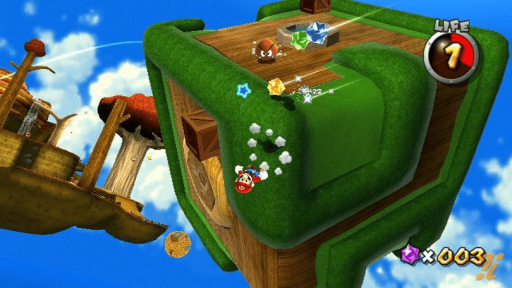
Nebula 1.0.2 is out for Windows. It runs Super Mario Galaxy, the Wii game, as native PC code, and you still need your own copy of the game. Nebula is a decompiled port. The game logic comes from the Petari decompilation by SMGCommunity, and Nebula replaces what the Wii used to provide: graphics, audio, controller input and save storage.
The main addition is frame rates above 60. The game still runs at 60 FPS by default, but Nebula can draw in-between frames so the camera and objects move at your display’s rate, at rates such as 75, 144 or 240 Hz. Set it under Frame rate in the launcher’s Graphics tab or in the in-game menu. Version 1.0.2 also adds NVIDIA DLSS for RTX cards. Nebula doesn’t ship NVIDIA’s files. Setup downloads them (32 MB) after you accept NVIDIA’s license. A crash after saving (#28) is fixed.
Microsoft Defender flagged 1.0.1 as Trojans. The release notes say those verdicts came from cloud and machine-learning checks on new, unsigned files, with no match to known malware. Version 1.0.2 removes some launcher code the team didn’t need and scans every program with Defender before release. The installer is still not code-signed, so SmartScreen shows “Unknown publisher”.
How to try it:
- Download
Nebula-Setup.exefrom the release page and run it. Choose More info, then Run anyway. - If you have 1.0.0 or 1.0.1, choose Update. Saves are kept, but the update runs a full recompile, which takes a few minutes.
- For a new install, select your ISO, RVZ, WIA, WBFS or extracted folder, then choose Install.