mscharged-port 1.0.9 adds Vulkan and DirectX 12 to the Mario Strikers Charged PC port
Mario Strikers Charged PC port 1.0.9 adds Vulkan and DirectX 12, fixes the NK/Boo goalie bug and a video-memory leak.
Wii → PC (Windows), Linux / Steam Deck, Mac · Port
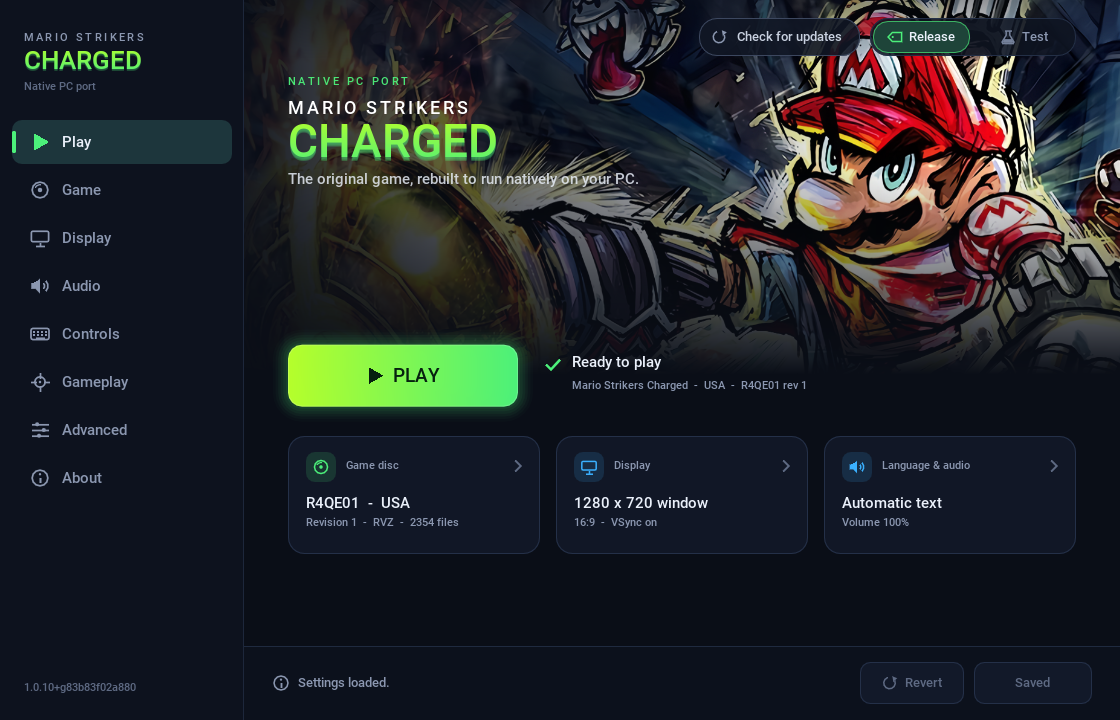
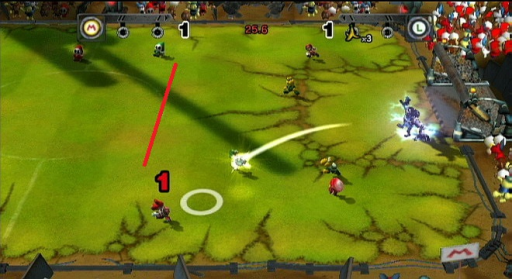
Version 1.0.9 of mscharged-port is out. It is a native PC port of Mario Strikers Charged, the Wii game, and it runs on Windows, Linux, macOS and Steam Deck.
The port compiles reconstructed source code of the Wii game into a regular PC program. The game’s own code runs unchanged. The port takes over graphics, sound, controllers, disc access and saves. The downloads contain no game files, so you need your own disc image.
On Windows, the biggest fix is video memory. The game never released textures, and a 1.0.8 Windows session ran out of video memory after 19 minutes. The credits movie alone added about 1.7 GB. Now textures the game has not used for 600 frames get released. The release also fixes the NK/Boo glitch (#38), where losing the ball while intangible let shots pass through both goalies. That fix is always on.
1.0.9 adds a Frame rate option under Display, set with display.frame_rate or the --frame-rate run override. The choices are original (60 FPS by default, like the Wii), display, unlimited, or a fixed 30 to 1000. Matches still simulate at a fixed 50 Hz, so game speed stays the same. Pointer input is polled at 100 Hz, which the notes list as a known limit.
On Windows you can pick Vulkan or DirectX 12 on the Advanced page of the launcher. Wii Remote users get a fix too: the game no longer freezes every few seconds with a Wii Remote connected over Bluetooth. Steam Deck gets its own package that starts fullscreen in Steam Game Mode. It needs SteamOS 3.7 or newer.
For now only the USA version works: Mario Strikers Charged, game ID R4QE01, revision 1, as an .iso or .rvz image. European support arrives in 1.0.10. Japanese and Korean discs are not supported yet.
How to try it:
- Download the package for your system from the latest release.
- Unpack it into a folder of its own.
- Start
mscharged(mscharged.exeon Windows). - In the launcher, choose your disc image and press Play.
The license is CC0 1.0, so forks and patches need no permission.