Wonder Boy in Monster World gets a native C port for Windows
Wonder Boy in Monster World for Sega Genesis now runs natively on Windows as a C port, v1.0.0, with widescreen and four save slots.
Mega Drive / Genesis → PC (Windows), Linux / Steam Deck, Mac · Decompilation
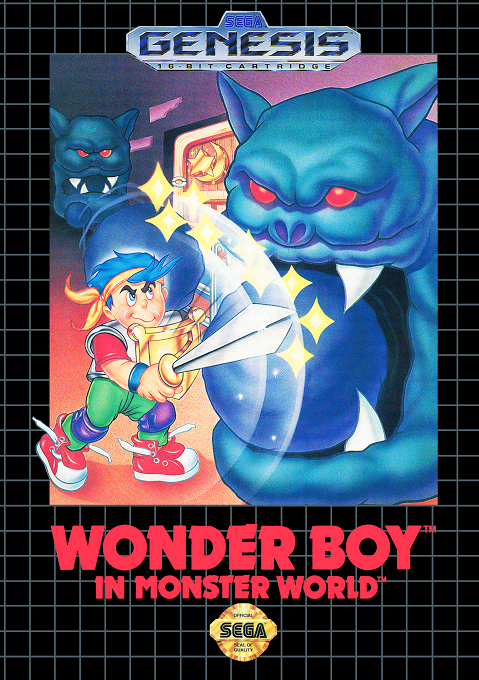
Wonder Boy in Monster World, the action RPG for Sega Genesis (Mega Drive), now runs as a native Windows program. The wbmw-decomp project released v1.0.0 on October 30. There’s no 68000 emulator inside. Each routine was rewritten in C and checked against the original in a reference harness, using shadow runs, fuzzing and coverage checks. The game is playable from start to finish.
Sound is covered too. On the Genesis, a small program on the second CPU, a Z80, plays the music and effects. The port rewrites that driver in C as well, checked tick by tick against the original, and drives emulated sound chips (ymfm for the YM2612, plus the SN76489). The --z80-sound flag runs the original driver on an emulated Z80 instead.
All the extras are optional and on by default: widescreen (119 of the 170 rooms fill the 16:9 picture), enemy health bars and damage numbers, a zoom during conversations, four save slots with screenshots, rebindable controls and a one-row status bar. Widescreen and talk zoom are experimental.
How to try it:
- Get your own USA or Europe ROM. The download has no game data.
- Download the v1.0.0 Windows 64-bit build. The program is not signed, so Windows may warn you on first run (More info, then Run anyway).
- Make a folder called
romnext towbmw.exeand put your dump in it, namedWonder Boy in Monster World (USA, Europe).md. READ-ME-FIRST.txt has the details. - Run
wbmw.exe.
Linux and macOS users build from source, following the README.