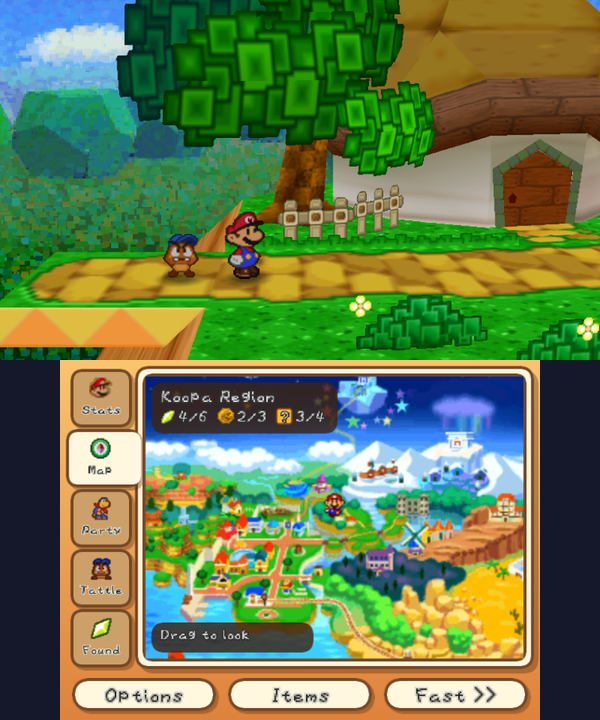
Star Haven 1.0.7 fixes three bugs in the 3DS Paper Mario port
Star Haven v1.0.7 fixes battle move icons, key item display and choice box colors in the native 3DS Paper Mario port.
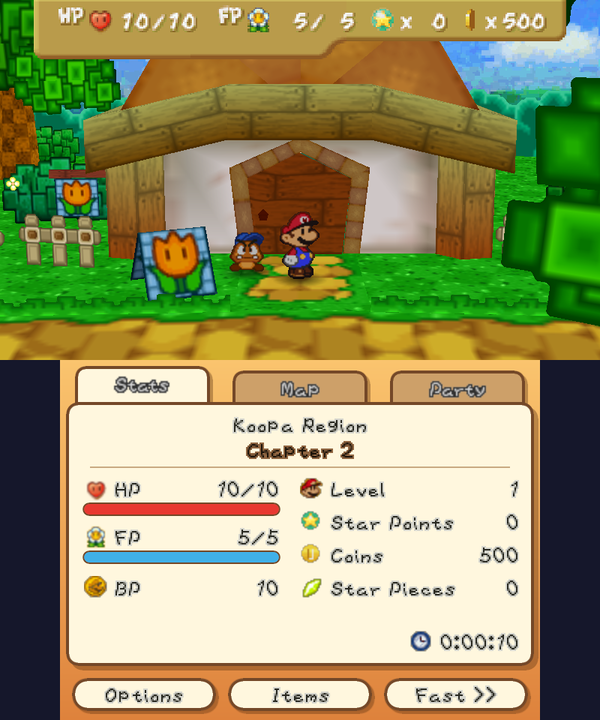
Star Haven v1.0.7 is out for the Nintendo 3DS, and it fixes three bugs in the native Paper Mario port. The release went up on October 15, 2026. You still need your own Paper Mario ROM to play.
Star Haven is a native 3DS port of Paper Mario (Nintendo 64), built from the Paper Mario decompilation, a project that rebuilt the game’s code as readable C. The port runs that C code on the 3DS directly. Nothing is emulated, and the package holds no game data.
The three fixes cover battle icons, key items and menu colors. Battle move icons next to partner moves such as Tattle, Charge and Multibonk showed as garbage, because the port read them from the wrong place in the ROM. Key items showed up as gift boxes with no names until you switched to the Items tab and back. The Save / Don’t save box and every other choice box were cream-colored when they should be white.
If you’re coming from 1.0.0 or 1.0.1, note that 1.0.2 changed the title ID. Delete the old Star Haven icon after installing, through FBI’s Titles menu or System Settings → Data Management. The release says your saves are kept.
How to try it:
- On a 3DS with custom firmware, open FBI, choose Remote Install, and scan the QR code. You can also download StarHaven.cia from the Releases page.
- Copy your ROM to the SD card as
/3ds/StarHaven/baserom.z64. The.z64,.n64and.v64formats all work. - Start Star Haven from the HOME menu.
Speed depends on the console. The New 3DS family runs at 60 fps. The original 3DS and 2DS run at about 30 fps with the CIA.
Star Haven is a decompilation port. For comparison, Zelda64Recomp is a recomp.