Sega Superstars Tennis ReMatch v0.5 fixes Intel GPU crashes
Sega Superstars Tennis ReMatch v0.5 fixes Intel GPU crashes, adds a FAST shader mode and precompiled shaders for weaker Windows PCs.
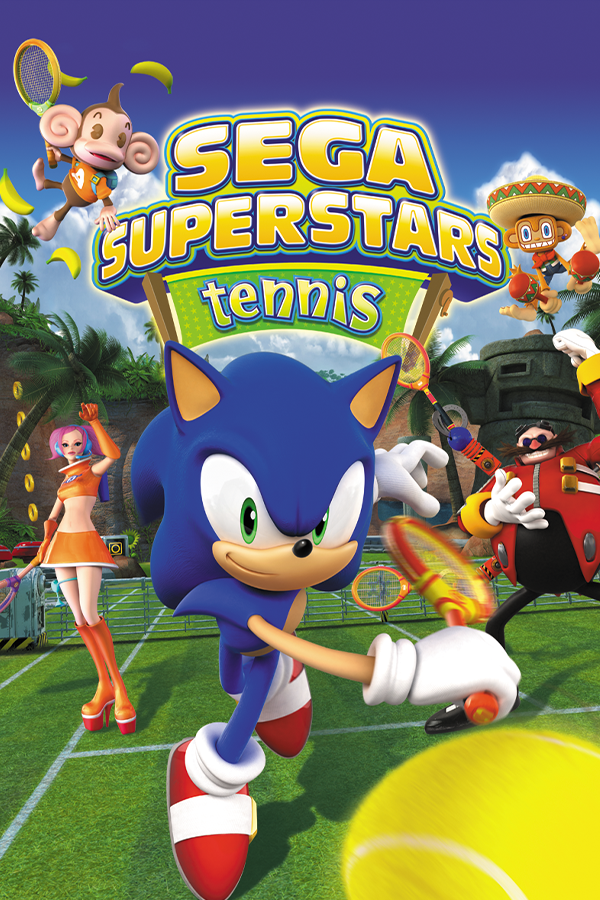
Sega Superstars Tennis ReMatch v0.5 came out on October 16. It’s a native Windows port of the Xbox 360 game, built through static recompilation with the ReXGlue SDK (v0.10.0). The game’s code runs as native x64. Graphics run on a native Direct3D 12 renderer that translates the original Xbox 360 shaders, so the GPU isn’t emulated.
The biggest changes target low-end PCs and Intel graphics. The release fixes rendering bugs and crashes on Intel GPUs, and the release notes ask players to update their Intel graphics driver first. On an i3-10110U laptop with an Intel UHD 620, the developer reports a jump from about 45-50 FPS at 480p to a near-locked 60 FPS at 720p. A new SHADER QUALITY setting has a FAST mode, which the game picks automatically on weaker machines. All shaders now come precompiled, so there’s no stutter from shaders compiling mid-match. The update also adds an in-game achievements UI and menu.
The developer discloses AI use in the README. It falls under Level 3 of PCGamingWiki’s REAL AI Rating. Most of the code was written by hand in C++, and AI helped with understanding the original shader implementations and debugging rendering issues.
How to try it:
- Download the latest release zip and extract it anywhere.
- Copy your own legally obtained Xbox 360 copy into the assets folder so that assets/default.xex exists.
- Run sst_rematch.exe.
You need Windows 10 or 11 x64 and a Direct3D 12 GPU. Online play is greyed out for now.