OpenCMR2 brings Colin McRae Rally 2.0 to native builds on Linux, Windows, macOS and Android
OpenCMR2 is a native SDL3 port of the 2000 PC rally game, built from the CMR2Decomp decompilation. You still need your own copy of the game.
PC (Windows) → PC (Windows), Linux / Steam Deck, Mac, Android · Port
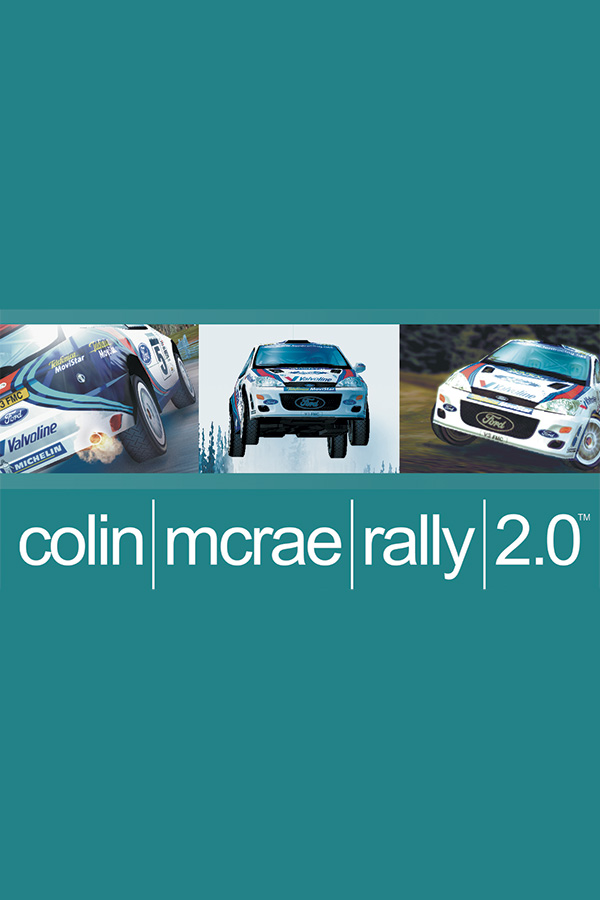
OpenCMR2 is a native port of Colin McRae Rally 2.0, the 2000 PC rally game, and it runs on Linux, Windows, macOS and Android. Nothing gets emulated here. The game code comes from CMR2Decomp, a decompilation of the original PC game, and the DirectDraw, Direct3D 7, DirectSound, DirectInput, DirectPlay and Bink calls get replaced with SDL3 and the SDL GPU API on Vulkan and Metal.
The swap is the interesting part. Wine or a DirectX wrapper would keep the old Windows layer alive. Here the port uses its own implementation of those APIs. The project also checks accuracy against the original executable. The fixed-point helpers are compared with the original x87 assembly, and 500 vehicle updates of a Finland stage match the original game plus SilentPatch bit for bit at several frame rates, including a variable one. Widescreen comes with correct perspective instead of a stretched picture, the field of view is adjustable, and the frame rate can go up without changing game speed or physics. Multiplayer runs over UDP for LAN and the internet, so DirectPlay is no longer needed.
The status table is uneven. Linux x86-64 and Windows (tested under Wine) play stages and match the original physics. Linux ARM64 and macOS build and pass the tests, but gameplay on them is not tested yet. Android plays with on-screen controls, needs Android 10 or later with Vulkan, and copies about 700 MB of game files into the app. The project calls itself a work in progress, and the author asks for bug reports.
My read: the numbers are the interesting part. The project publishes its comparison results, including the 500-update physics test. The repo ships no game assets, so you need your own copy of the PC version.
How to try it:
- Download the package for your platform from the Releases page.
- Extract it and run opencmr2.
- On first launch, pick your PC installation folder. If you have a CD or ISO, install the game or extract it first.
- On macOS, run
xattr -dr com.apple.quarantine OpenCMR2-macOS-arm64once after extracting, because the package is not signed.