Open Nectar 1.1 adds save import and an Android data folder
Open Nectar 1.1 adds save import from Dolphin and a visible data folder on Android for its native Pikmin ports.
GameCube → PC (Windows), Linux / Steam Deck, Android, Mac · Port
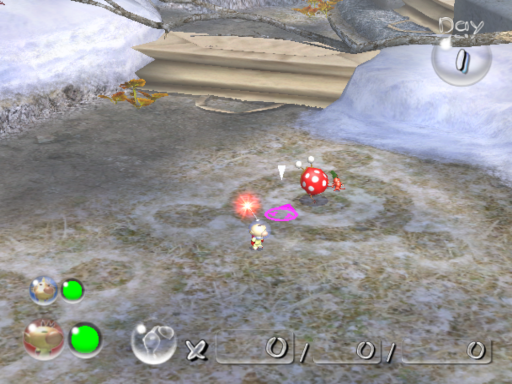
Open Nectar 1.1 is out. Its main changes are about saves. Open Nectar is a pair of native, open-source ports of Pikmin and Pikmin 2, the GameCube games from 2001 and 2004, for Windows, Linux and Android. macOS builds come from source.
The ports don’t emulate. They run the game code on the host system and translate GX to OpenGL, building on the projectPiki decompilations of both games. Dolphin is not involved.
A new Saves page in the launcher’s Settings imports Dolphin saves, .gci exports from a real GameCube memory card, or Open Nectar saves from another install. It checks that the save matches the game and region. Your current save is backed up to card0-backups (the newest five are kept), so a failed import leaves the old save alone.
On Android, all data now sits in a normal folder, Internal storage/OpenNectar by default. The first launch asks for all-files access. Change folder moves everything, SD card included.
Fixes: Pikmin 2 co-op no longer crashes when Louie whistles new blue or yellow Pikmin (#188). Pikmin and enemy sounds no longer stay muted after a skipped opening cutscene (#135). On Android, all PS4 controller inputs work and can be remapped (#177).
To update, press Update in the launcher. On Android, install the new APK over the old one. Don’t uninstall first, or your data is lost.
The README says the developer built it with AI tools, Claude among them, and reviewed the generated code. There are no testers beyond their own devices, so the developer asks for bug reports.