Onslaught CE 0.1.10 fixes a save bug that could delete careers on Linux
Onslaught CE 0.1.10, a native Linux and Windows port of Battle Engine Aquila, fixes a save bug that could delete a career.
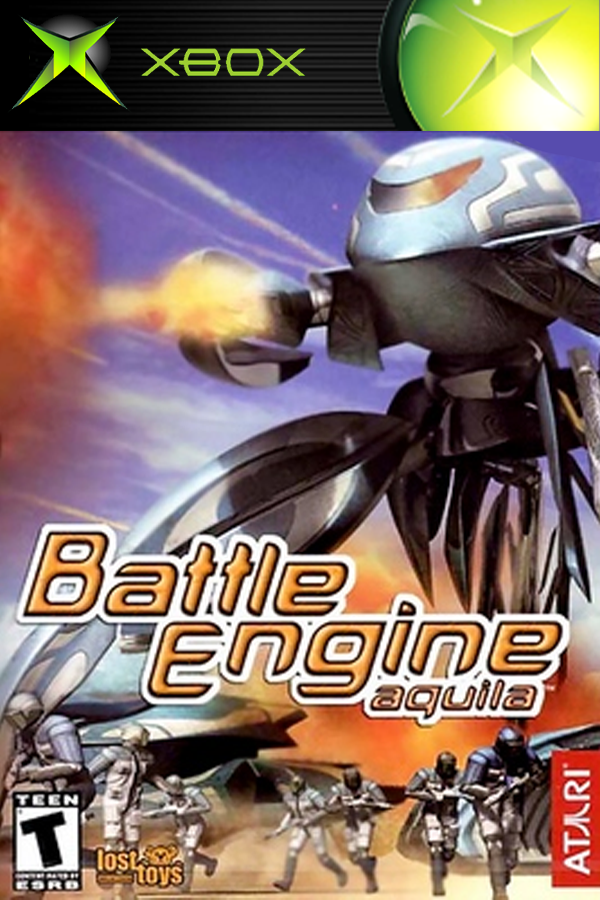
Onslaught CE 0.1.10 is out, and it fixes a save bug that could wipe a career on Linux. Onslaught CE is a native port of Battle Engine Aquila, a 2003 PC game from Lost Toys, built from the game’s source code for Linux and Windows. It’s still a preview, and you need your own copy of the game. Testing uses the Steam edition.
The first bug hit only Linux. If a career name existed both in your Onslaught CE folder and in the original game’s savegames folder, answering Yes to the overwrite question deleted your Onslaught CE copy. The game then asked again, found the original and reported that it couldn’t save. The newer career was gone and nothing had been written. Windows asked only once, so that part never hit it.
Both systems had a second problem: a save emptied the file before refilling it. A save that failed halfway left a short or empty file, and on Linux the game could still report success. Now the new career goes to a temporary file in the same folder, gets flushed to disk and is read back. Only then does it replace the old file, in one step.
The game’s own folder is never written now. A Yes on a name that belongs to an original career writes a new copy into the Onslaught CE folder, and the original stays as it was. If a save from the save screen fails, you get the usual message and your old career is unchanged.
On 0.1.8 and 0.1.9, the launcher offers the update at startup, checks its signature and installs into its own folder. Your careers survive, and --rollback takes you back to the previous version. Builds 0.1.0 to 0.1.7 can’t update themselves, so you do it once by hand:
- Close Onslaught CE.
- Copy
~/.local/share/onslaught-ce(Linux) or%APPDATA%\Onslaught CE(Windows) somewhere safe. - Download the 0.1.10 package from the Releases page.
- Extract it into a new, empty folder.
- Run
onslaught-ceoronslaught-ce.exefrom there. Careers and settings are picked up automatically.
On Linux, 0.1.8 and 0.1.9 can close right away if zenity is missing and the 32-bit libXrandr is absent. Install zenity or your distro’s 32-bit libXrandr, or set update_check=0 in ce.ini, then download 0.1.10 by hand.