Kult PC port 1.2.1 runs the Atari ST game natively on Windows, Linux and macOS
Version 1.2.1 of the native PC port of Kult: The Temple of Flying Saucers fixes slow pixel reveal and portrait fades.
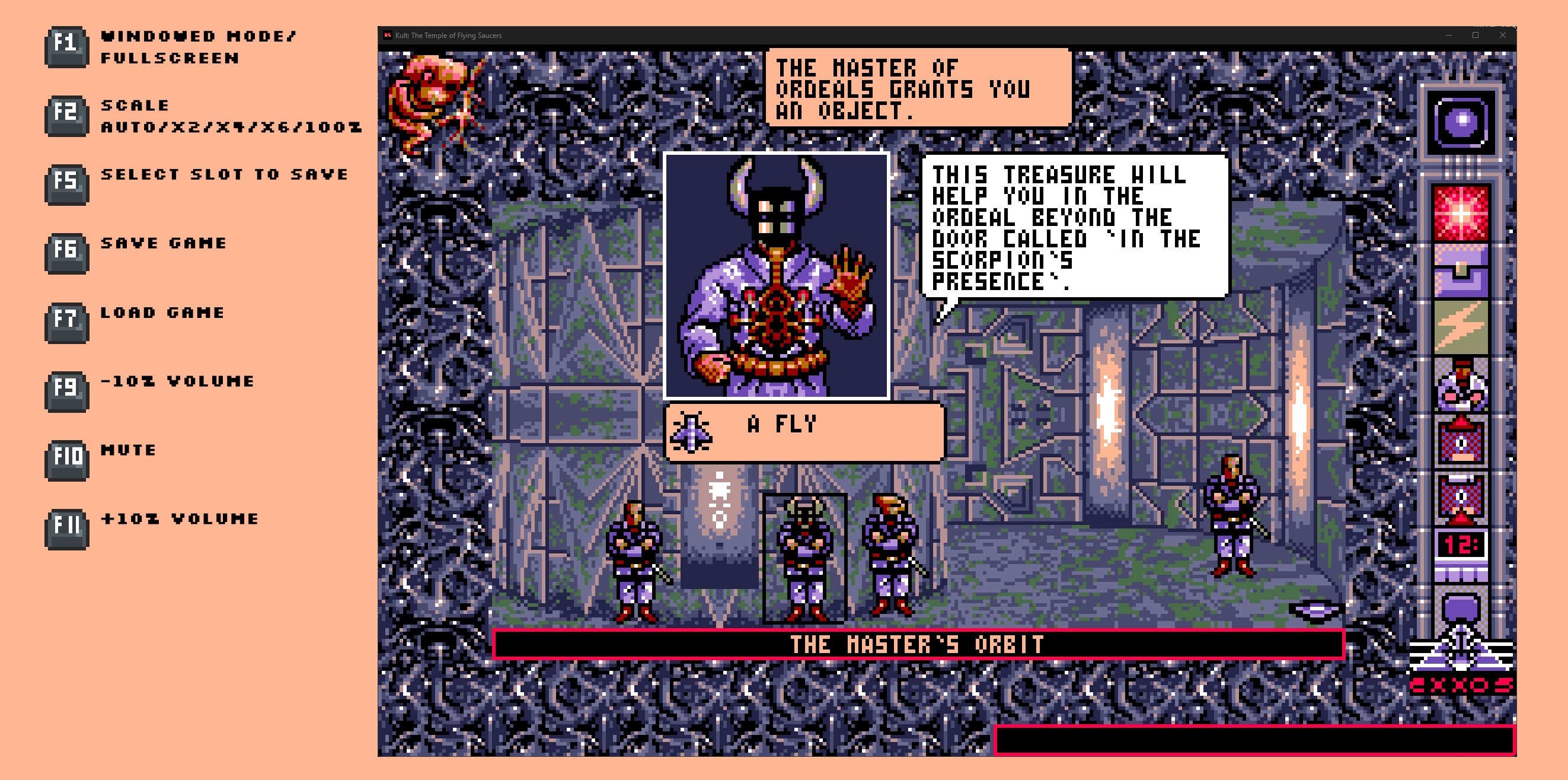
The native PC port of Kult: The Temple of Flying Saucers, a 1989 Atari ST game by Exxos/ERE, reached version 1.2.1. It runs on Windows, Linux and macOS, with Spanish and Catalan language packs. The release notes date the update 27 October, while the README says 26 October.
The port doesn’t emulate anything. It takes the verified C reconstruction of the original Atari ST code and runs it on an SDL3 backend, which handles the window, input, audio and graphics. The package doesn’t include the game, so you need your own legal copy.
The main fix in 1.2.1 is pixel-reveal timing. In 1.2.0, the presentation loop kept running during CPU and disk delays. With VSync on, each delay could cost several milliseconds, which made the opening pixel reveal and the portrait fades slower. Now the loop pauses during those delays and is capped at about 120 Hz. The developer says the pacing matches 1.0.0 within one VBL. The variable KULT_RENDER_PUMP (0, 60 or 120) turns the loop off or changes its rate. The native-rate cursor, screenshots with the cursor and the macOS Universal 2 build from earlier releases stay in.
How to try it: you need Kult.STX and Kult (B).STX. The file names don’t matter, because the port identifies the disks by SHA-256. On the first run it ingests the disks and starts the game right away. Keep the folder writable. On Windows and Linux the game writes data/, saves/, kult.ini and kult.log next to the executable or AppImage, so don’t put it in Program Files or /opt.
On macOS the app is ad-hoc signed but not notarized by Apple, so Gatekeeper may show a warning. To open it:
- Right-click Kult.app and choose Open.
- Or go to System Settings > Privacy & Security and allow the app.
The Atari ST base is the only one so far. Amiga work is planned for later phases.