Jiangshi 2 NES Recompilation Gets a New Windows Preview With Translation Updates
Kyonshiizu 2 receives a v0.2.0-preview Windows recompilation update featuring expanded English translations and UI fixes via NESRecomp.
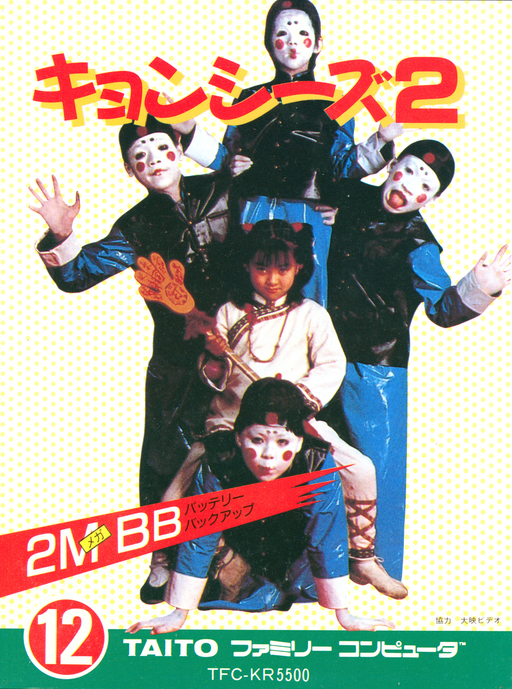
Static recompilation keeps reaching retro console libraries that nobody expected to run natively on PCs. The experimental Windows recompilation and English-presentation project for Kyonshiizu 2, an NES game also known as Jiangshi 2, reached version v0.2.0-preview. Built on Matthew Stanley’s NESRecomp tool, this release adds more localized text and interface fixes for a game that originally ran on NES.
This version adds translated NPC and shop dialogue, corrected item labels, and updated warehouse event text. The developer also fixed save-slot selection highlighting, character erase confirmations, and overlapping UI in the restaurant. Running it requires your own supported ROM with the SHA-256 hash 4fbf02411b66f8e4cdff16219612fc8aa804ec12f2e2ce19235afbccdaeaf4a2.
How to Try It
- Download the
Jiangshi2-v0.2.0-preview-Windows-x64.zippackage from the GitHub repository. - Extract the archive into a writable folder.
- Rename your supported ROM to
game.nesand place it right besidePlay.batandKyonshiizu2Recomp.exe. - Keep all three translation TSV files in the same directory.
- Run
Play.batto launch the game.
The launcher uses PowerShell to verify the ROM hash automatically and rejects modified ROMs, alternate headers, and other revisions. This is an experimental preview: translation and gameplay testing are still ongoing, some text and UI details remain unfinished, and full-game coverage and clean-PC compatibility are not established.