Gurumin modding GUI ships as a standalone Windows exe
Gurumin-Decompilation adds GuruminModTools.exe on Windows with dialogue, texture, and asset modding tools.
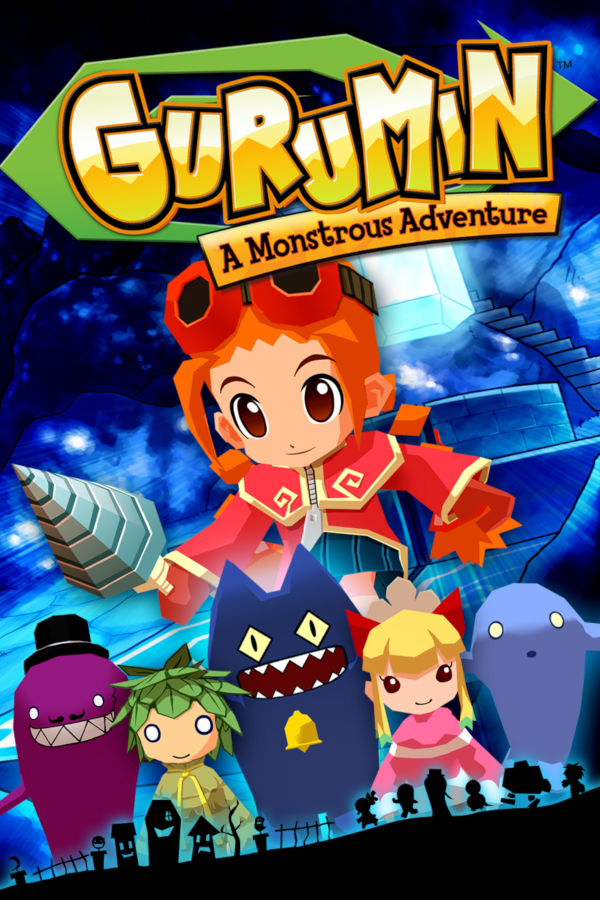
Gurumin-Decompilation, a matching decompilation and modding project for the 2006 Japanese PC release of Gurumin: A Monstrous Adventure on Windows, now offers GuruminModTools.exe in its modtools-v1.0 release. The single executable bundles the Python GUI without requiring a separate Python install. It targets bin\APP.dll and works alongside your own copy of the Japanese PC game.
The Mod tab sorts game files by character or type, exports assets to PNG, text, or WAV, repackages edits, and installs them into the game’s mod\ folder via a mod DLL (d3d9.dll) without overwriting original files. The Dialogue tab lets you search and edit all 4,937 text lines with an in-game font preview. Other tabs cover scripts, textures, models, HD movies, music, fonts, and saves.
Point GuruminModTools.exe at your game folder, or run CLI commands like GuruminModTools.exe --run-tool dialogue_tool.py export "C:\Games\Gurumin" text.tsv. No game files are included. Windows SmartScreen may warn because the binary is unsigned, and .de2 music encoding in the underlying tools remains untested in game.