Firestaff 3.0.410 fixes Dungeon Master timing, HUD and draw order
Firestaff 3.0.410 for the Dungeon Master games fixes DM1, CSB and DM2 startup timing, the DM2 HUD and dungeon draw order.
Other → PC (Windows), Mac, Linux / Steam Deck, Android · Decompilation
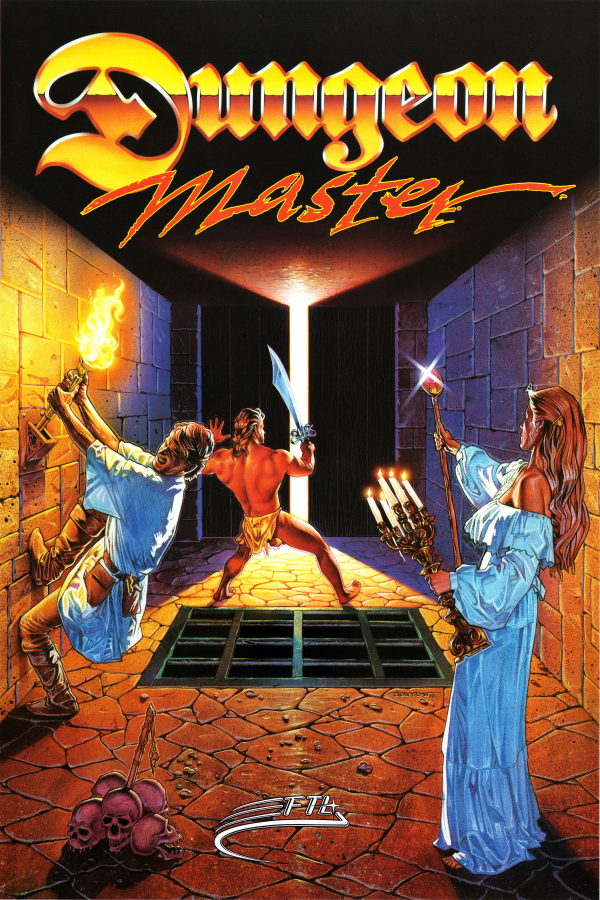
Firestaff, a clean-room engine for the Dungeon Master games, released version 3.0.410 on October 24. It runs on Linux, macOS, Windows, Steam Deck and Android. It covers Dungeon Master (DM1), Chaos Strikes Back (CSB), Dungeon Master II: Skullkeep (DM2), DM Nexus and Theron’s Quest.
The project doesn’t ship any games. Firestaff reads the original files you already own, identifies each edition by its content hash and keeps that data apart from the program. It never fills a gap with data from another edition, so a route only opens when your files pass the check.
This release mostly fixes how the games look and behave on existing routes. On DM1 for Apple IIGS, the torch beside the final stair can be picked up again, so you can light the dark next level after it. The PC34 starting party goes back to the source-backed champion formation. On DM2 for DOS and Macintosh, the HUD layout is corrected, and the dungeon view interleaves indoor items and creatures as it draws them. Startup timing for DM1, CSB and DM2 no longer depends on your display refresh, so intros and animations keep their original pace. A new –debug flag reports game selection, startup state, CPU and memory use, and observed gameplay actions and combat events for supported runtimes.
The Nexus changes concern status reporting. The changelog now labels the retail title screen as title entry, and runtime status stays blocked until a level or menu is confirmed. The move from title to menu is still unverified. The README says CSB campaign, saves and presentation parity are still being finished, and Theron’s Quest combat, audio and save parity remain open. The test reports in this release are diagnostic evidence, not a parity claim.
To try it, grab the latest build from the releases page, then check the README for where to point the program at your original files. The sources don’t spell out the setup steps.