DW7 Recompiled v0.1.0 brings Dragon Warrior VII (PS1) to PC and Linux
The first release of DW7 Recompiled runs the 2001 PS1 RPG as a native Windows or Linux program. You still need your own disc.
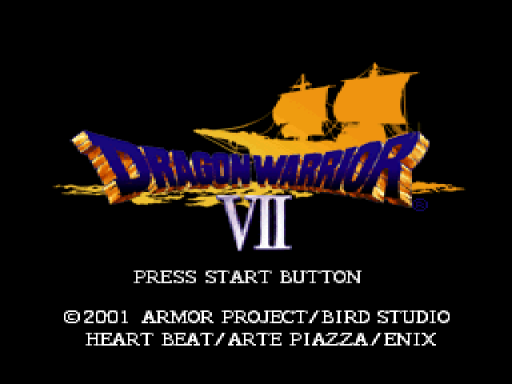
Dragon Warrior VII, the 2001 PlayStation RPG, now has a native PC port. DW7 Recompiled v0.1.0, published on October 28, 2026 by danyboy666, builds for Windows 10/11 x64 and Linux x86-64. It runs the game’s MIPS code, converted to C and compiled to x64, so the game runs as a regular PC program. You still need your own disc. No game data ships with the release.
The Windows zip needs a GPU with OpenGL 3.3. The Linux zip needs the ffmpeg runtime libraries plus OpenGL (libgl1, libssl3, libxml2). The notes say software rendering (llvmpipe) won’t run the game.
The game starts in borderless fullscreen at your display’s resolution, with 4:3 geometry and FXAA. F1 opens the in-game menu, where “Restore Faithful Settings” brings back the 240p look. Saves and memory cards go into a saves/ folder. The build uses OpenBIOS, an MIT-licensed open-source BIOS, so you don’t need a Sony BIOS dump.
For Disc 2, add both discs to game.toml under [game] discs. That turns on the CHANGE DISC row in the menu. The notes say Disc 2 saves should be played by booting the Disc 2 image.
The release also adds enhanced FMV. The cutscenes can be AI-upscaled, with three modes: OFF, NATIVE (the default) and SMOOTH. SMOOTH adds RIFE in-between frames for 30/40 fps. The upscaled videos aren’t included, so you have to generate them yourself with tools/fmv_pipeline.
The README still lists battles and the opening field and story as under bring-up. It lists the intro, title screens, main menu and New Game name entry as working. The release notes don’t say how far v0.1.0 gets, so that part is unclear.
How to try it:
- Get your own Dragon Warrior VII Disc 1 image (.bin/.cue, US release SLUS-01206).
- Download the zip for your OS and unpack it.
- Run
DW7_Recompiled.exe --disc "D:\Games\DW7\Dragon Warrior VII (Disc 1).cue"on Windows, or./run.sh "/games/DW7/Dragon Warrior VII (Disc 1).cue"on Linux.
You can also put the image path in a disc.cfg next to the executable. The psxrecomp framework is linked to two different GitHub accounts across the release notes and the README, so check which one you trust before you dig into the code.