AlienReRecomp v0.1.6 brings Alien Resurrection to macOS, Windows and Linux
AlienReRecomp v0.1.6 runs the PlayStation game Alien Resurrection natively on macOS, Windows and Linux, and fixes silent enemy and weapon sounds.
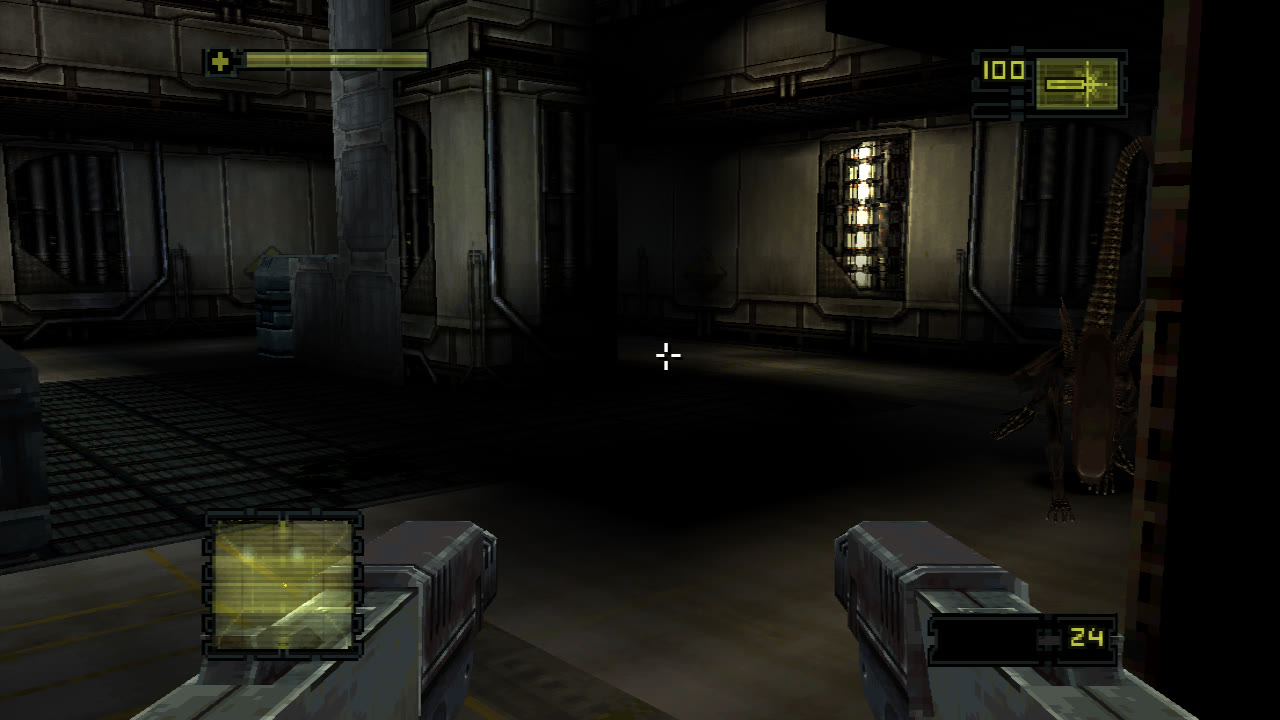
AlienReRecomp v0.1.6 is out. It runs Alien Resurrection, a PlayStation game, as a native app on macOS, Windows and Linux. The project is a static recompilation: the game’s MIPS code gets translated to C and built into a program that runs on a small runtime in place of the console’s BIOS and hardware.
The port renders at up to 8x the original 240p, in 16:9 or other widescreen ratios, and targets a steady 60 fps. Mouse and keyboard controls are built in. This release also fixes silent enemy and weapon sounds by setting SPU decay and release rates to hardware speed.
You still need your own disc. The port expects the USA release (SLUS-00633) as a .cue sheet with its .bin tracks. The downloads contain no game data or code. The release notes say the game’s code is read from your disc and run by the port’s interpreter when you play.
- Download the build for your system. Windows needs 64-bit with Vulkan or Direct3D 12. Linux needs glibc 2.35 or newer and a Vulkan driver.
- Unpack and run it. The macOS app isn’t notarized, so open System Settings > Privacy & Security and choose Open Anyway.
- Choose Select disc image, pick your
.cue, and press Start game.
F2 (or Select+Start on a controller) opens settings and controls in game. F5 quick saves and F9 returns to that moment.