X-Men: Destiny Gets First Native PC Port Build in v0.1.0
KaikoClanworth released v0.1.0 of x-men-destiny-pc, bringing the 2011 Xbox 360 game to 64-bit Windows with an automated local build setup.
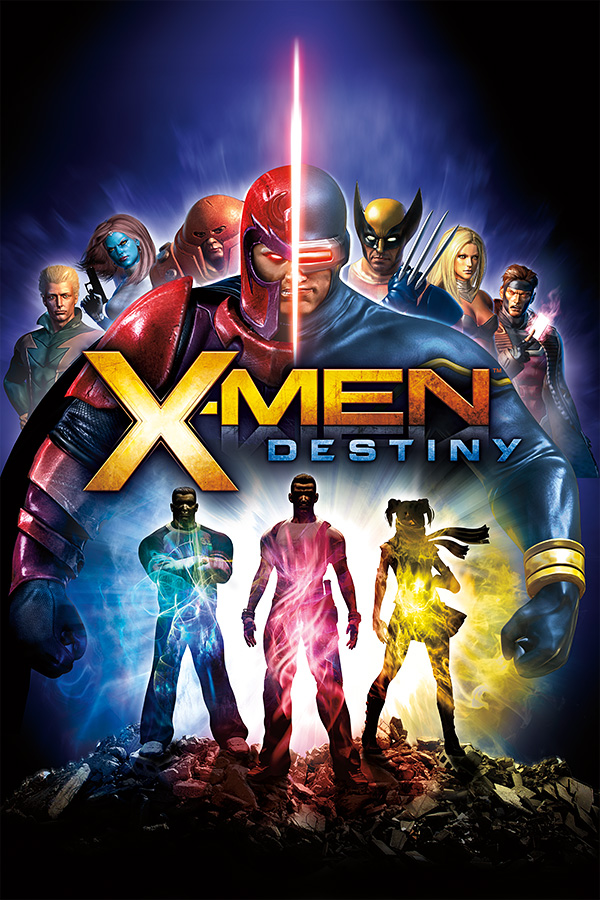
KaikoClanworth released v0.1.0 of x-men-destiny-pc on November 21, 2026, bringing the 2011 Xbox 360 game X-Men: Destiny natively to 64-bit Windows 10 and 11 without an emulator. The release targets Windows users with a Direct3D 12 GPU, roughly 9 GB of free space, and a controller, while requiring your own Xbox 360 disc image or extracted game folder.
The package compiles the PC build locally from your disc files. It adds an Options -> Graphics menu, an Exit option on the main menu, SDL controller support for Xbox, PlayStation, Switch Pro, and other gamepads, plus an F1 mod menu (also opened by pressing both sticks in) with cheats, game speed controls, 42 cut-scenes, and warps to 93 checkpoints. F4 captures problem reports, though the setup only accepts one specific release of the game and flags others as “Wrong version.”
This v0.1.0 release is an early work in progress, and not every mission has been played through yet. The native renderer stays off by default in favor of the emulated renderer, shadow and effect glitches remain, frame rates above the original 30 fps are experimental, and there is no keyboard-and-mouse support, controller remapping, or non-Xbox button prompts yet. Developer testing has only covered KaikoClanworth’s own PC, leaving the Clang toolchain auto-install button, PCs with Visual Studio’s own Clang, and update checks untested.
- Download
XMenDestiny-v0.1.0-Windows-x64.zip(SHA-256531de3acf133ac7ca3c8b46514460ae91e69c4abde604ef11e3a2e3bb3583551) and extract it. - Run
XMDSetup.exe, select your Xbox 360.isoor game folder and target path, and click Build the game; install Microsoft Build Tools for Visual Studio 2026 with Desktop development with C++ and C++ Clang Compiler for Windows if prompted. - Wait 20 to 40 minutes while the tool translates, compiles, and prepares shaders, including a brief silent background launch near the end, then click Play.
