WipEout Omega Collection PC port fixes ghost menu copies after races
The WipEout Omega Collection PC port v0.2.23 fixes a half-size menu copy after races and adds a stick deadzone setting.
PS4 → PC (Windows) · Port
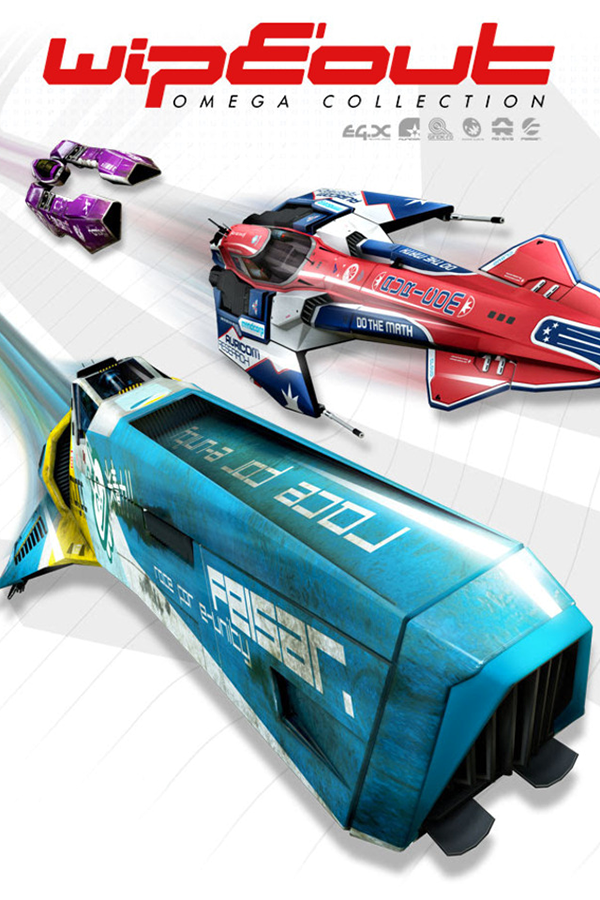
The WipEout Omega Collection PC port reached v0.2.23 today. It is a native build of the PS4 game for Windows. The game’s own x86-64 code runs on the CPU, and the graphics go through the Vulkan video core from shadPS4. The project is wipeout_pc.
The bug: after one or more races, the campaign cards showed a smaller copy of themselves in the top-left corner. It hit at 1440p and higher, on all graphics cards. The texture cache lost track of the mip level used for the blur, so the blur landed at full size on top of the picture. The fix was tested with three races in a row at 1440p.
New is a stick deadzone for controllers that drift. Find it under Launcher, Controls, or in the game under Insert, Game. The default 0% keeps the game’s own setting. If you click UPDATE NOW right after a release, while its download is still being built, the launcher now asks you to wait a few minutes instead of opening the release page.
The sources disagree on the version. The repo feed still says v0.2.18, while the release notes describe v0.2.23.
To try it:
- Download wipeout-windows.zip from the latest release and extract it.
- Open WipEout.exe, point it at the folder with eboot.bin, and click PLAY.
You need your own PS4 dump of the game (US CUSA07671 or EU CUSA05670). It needs Windows 10 or 11 (64-bit), an AVX CPU, and a Vulkan 1.3 GPU. Linux means building from source. There is no VR, and the Tigron and Van-Uber DLC ships are not available.
