Wii Play Gets a Native macOS Static Recompilation Port
Wii Play has been statically recompiled to run natively on macOS using WiiCompiled, bringing all nine minigames and Tanks! to Apple Silicon.
Wii → Mac · Recompilation
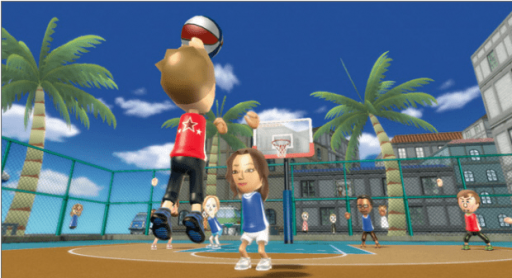
Wii Play (USA) runs natively on macOS through a static recompilation project. Developer zarif98 built the port on WiiCompiled, translating the main.dol binary into C++ to execute without an emulator.
All nine minigames function, including Tanks!, with menus, Mii selection, audio, save support, and keyboard and mouse controls. Graphics use WebGPU through Dawn, mapped to Metal on macOS. Windows and Linux builds compile in CI but are not play-tested yet.
Requirements
To build and run the game, you need:
- A USA region
RHAE01disc image of Wii Play. - Mii data from the Wii system software. You can download the official system menu via Dolphin to extract your Mii parts file into the virtual NAND.
- Python 3 and about 6 GB of free disk space.
- Xcode Command Line Tools and Homebrew on macOS.
How to Build
- Place your Wii Play disc image into a
disc/folder inside the cloned repository. - Run
./setup-mac.shto install dependencies and extract the disc. - Run
python3 scripts/build.py buildto translate around 14,000 functions into C++ and compile the binary. - Launch the game executable at
build/native/WiiCompiled.
Sources: github.com