Warning Forever+ 1.0.0 Ports 2005 Boss-Rush Shooter to Rust
Warning Forever+ 1.0.0 ports Hikoza T. Ohkubo's 2005 shooter Warning Forever 1.08 to Rust for Windows and Android using SDL3, wgpu, and Slug rendering.
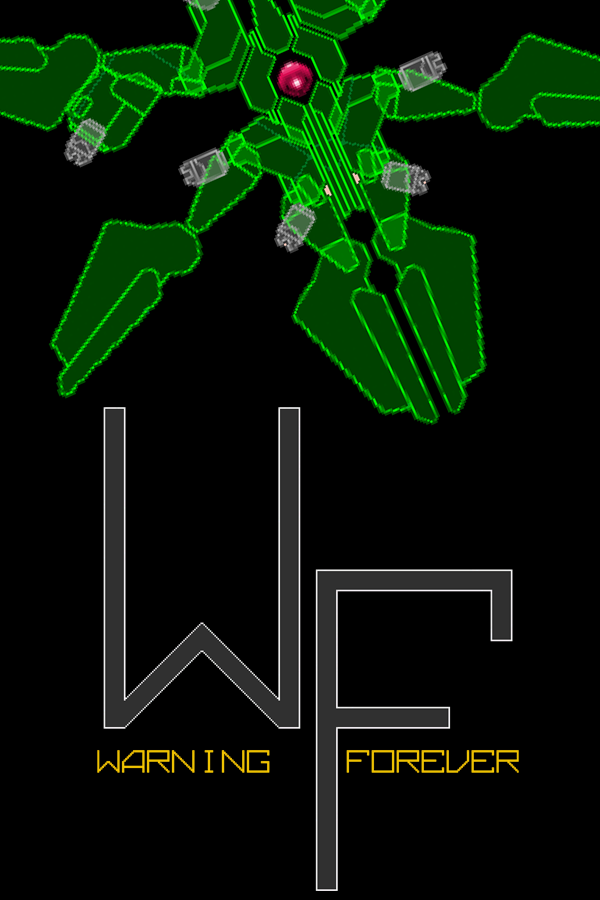
Developer okeBUDDY released Warning Forever+ 1.0.0 on 2026-11-21, porting Hikoza T. Ohkubo’s 2005 Windows freeware boss-rush shooter Warning Forever 1.08 to Rust for 64-bit Windows and Android (Android 7 and later, arm64 and x86_64).
The port uses wf-decomp as a read-only behavior reference and uses SDL3 for windowing, input, and audio alongside wgpu for GPU rendering, without emulating Direct3D 7, Win32, or HL-library code. The README notes the port was completed using generative AI (Claude Opus 5.5).
The release includes the title screen, options, every boss part, the boss generator, HUD, game over, name entry, score table, music sequencer, and frame-exact playback of original replays. The renderer draws vector versions of the art on the GPU via Eric Lengyel’s Slug algorithm, with classic (640x480) and HD arenas, touch support on Android, and keyboard, gamepad, and mouse support on desktop. The heaviest sprites are rasterized once per scale into a cache and reused, and the title character remains the original pixels.
To run it, download wf108.zip from the original website (https://www.hikware.com/Prod/index.html#wf) because the builds do not include the original game files:
- Download
warning-forever-plus-1.0.0-windows-x64.ziporwarning-forever-plus-1.0.0-android.apkfrom the wf-plus repository. - On Windows, put
wf108.zipnext towf+.exe, leave it in Downloads, drop it on the window, or pick it on first run; on Android, downloadwf108.zipon the phone and choose it on first run. - Sideload the APK on Android, or select “More info” and “Run anyway” on the unsigned
wf+.exeWindows SmartScreen prompt.
Japanese kana glyphs for boss names remain a low-priority work in progress after vectorizing poorly. Full ports of niche freeware shooters with frame-exact replay parity are rare, and pairing a decomp reference with GPU curve rendering and an AI-assisted build shows how simulation accuracy and visual cleanup behave in one project.

