VR Session Recorder auto-resets Virtual Desktop when GTA V VR frame rate drops
A free, open-source Windows tool that resets Virtual Desktop when FPS drops in GTA V VR, using the in-game map pause.
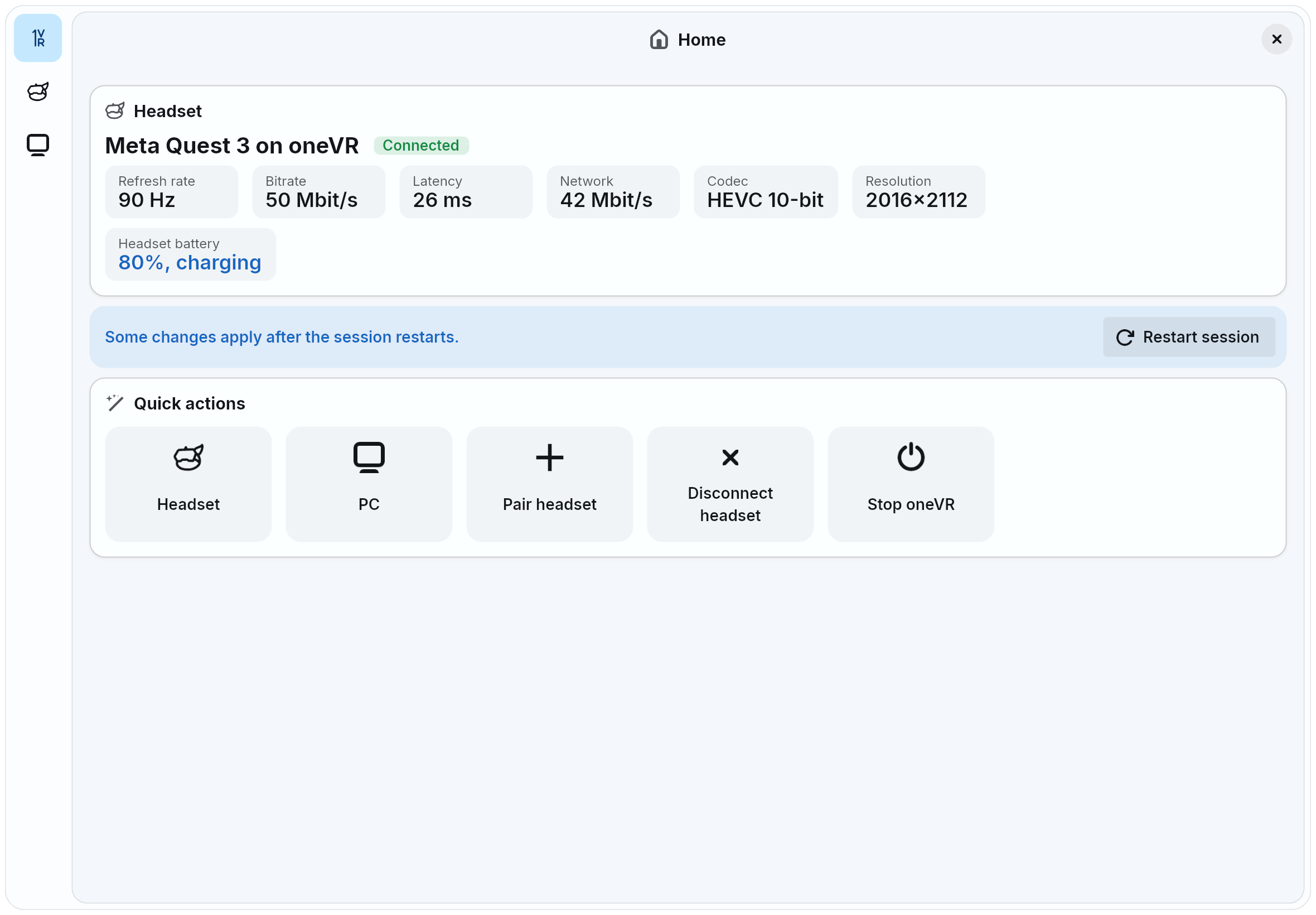
A free, open-source Windows tool called VR Session Recorder resets Virtual Desktop when frame rate drops during a GTA V VR session. Its developer, thevrpill, built it with Claude and posted it to r/virtualreality. With the LukeRoss mod on the Enhanced version of GTA V, FPS falls over about an hour. Virtual Desktop streams PC VR to Quest. The usual fix is Shift+Win+D, which takes you out of VR and back in. The tool does that for you.
It watches FPS and resets Virtual Desktop each time you open the map when the frame rate is low. The game is paused then, so you are out of VR for a couple of seconds and come back at full speed. The developer reports 9 of 9 resets bringing the game back to 120 FPS, and no interruptions during 80+ map openings when nothing was wrong. It also logs FPS, GPU load and temperature, and makes a report after the session.
How to try it:
- Download VR-Session-Recorder-v0.1.0.zip from the GitHub releases page. Skip the Source code file, since it has no program in it.
- Extract the zip and run VR Session Recorder.exe before you start GTA.
- Play as normal.
The developer tested it only on a 4080 Super and a Quest 3. The auto reset needs an NVIDIA GPU. The tool needs admin rights and isn’t code signed, so Windows will show a warning. It works around the slowdown and doesn’t fix the underlying Quest bug, and it won’t help with short Wi-Fi stutters.