Ultima V engine remake v1.1.149 runs in browsers, on desktop and Steam Deck
The ultima5 project's new TypeScript engine plays your own copy of Ultima V in a browser, on desktop, Android and Steam Deck.
PC (Windows) → Browser, PC (Windows), Mac, Linux / Steam Deck, Android · Port
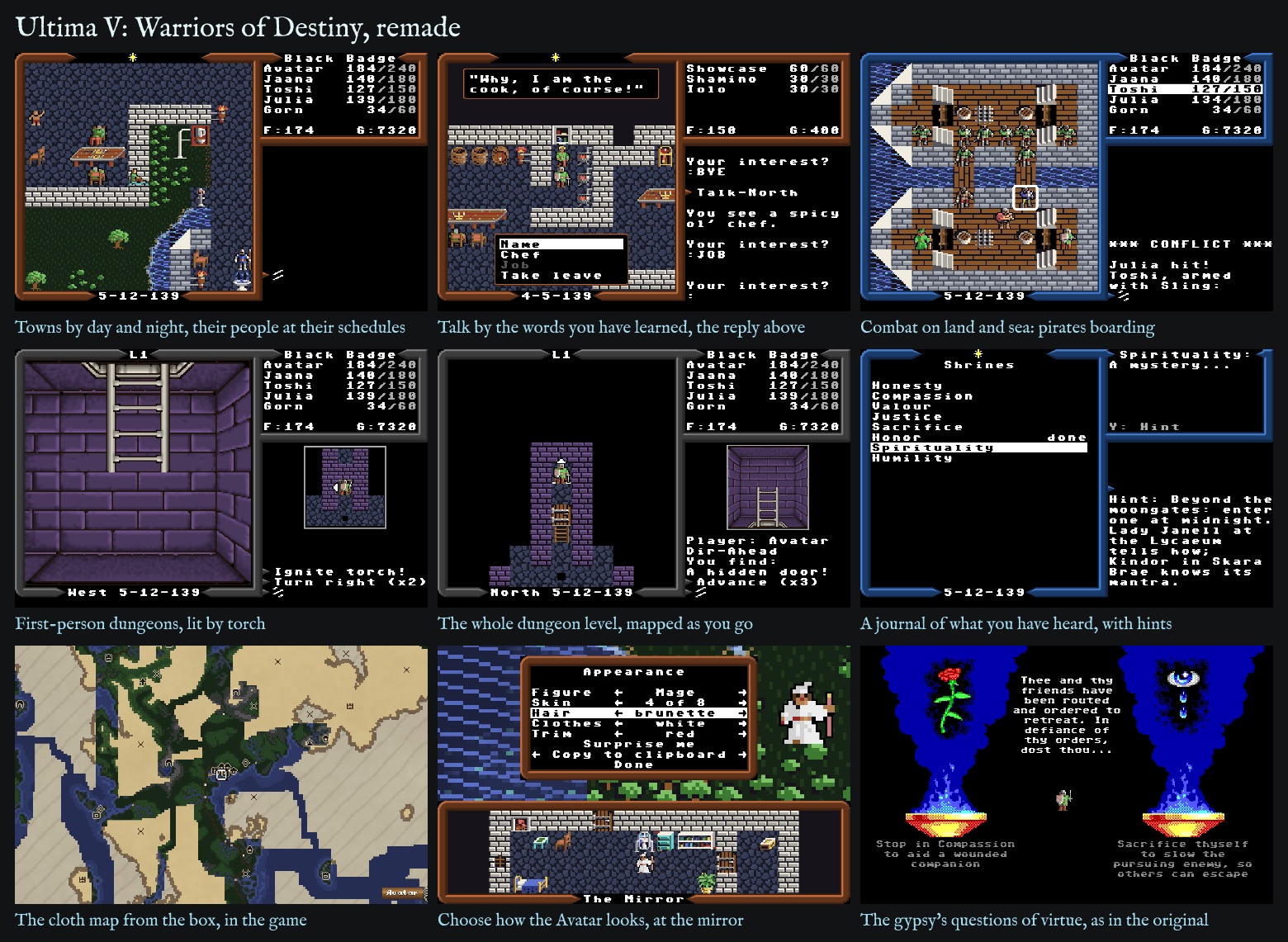
The ultima5 project has released v1.1.149 of its engine remake for Ultima V: Warriors of Destiny, the 1988 MS-DOS role-playing game. The new engine is written in TypeScript and runs in a browser, on desktop, on Android and on the Steam Deck. Like OpenMW for Morrowind, it ships none of the original game. You bring your own copy, from GOG’s Ultima 4+5+6 bundle or the Internet Archive, and the build keeps the files on your device.
The easiest route is the browser version. Nothing to install, and it works offline after the first visit. On iOS, use Share, then Add to Home Screen.
On a Steam Deck, the game installs as a Flatpak:
- Switch to Desktop Mode and open Konsole. If the Deck has no password yet, set one with
passwd. - Open the project page in a browser and tap install Ultima V. Open the downloaded file and Discover, the Deck’s app store, installs it.
- In Steam, click Add a Game, then Add a Non-Steam Game. Tick Ultima V and click Add Selected Programs.
- Back in Game Mode, the game sits under Non-Steam. If the controls do not respond, pick a Gamepad template in the shortcut’s controller settings.
The release page links only to a changelog, so the notes do not say what changed in v1.1.149.