typex2-recomp v0.1.0-rc.2 Brings Taito Type X Arcade Games to Android and macOS
Static recompilation tool typex2-recomp v0.1.0-rc.2 lets you run Taito Type X arcade games natively on Android and macOS devices.
Arcade → Android, Mac, Linux / Steam Deck, PC (Windows) · Recompilation
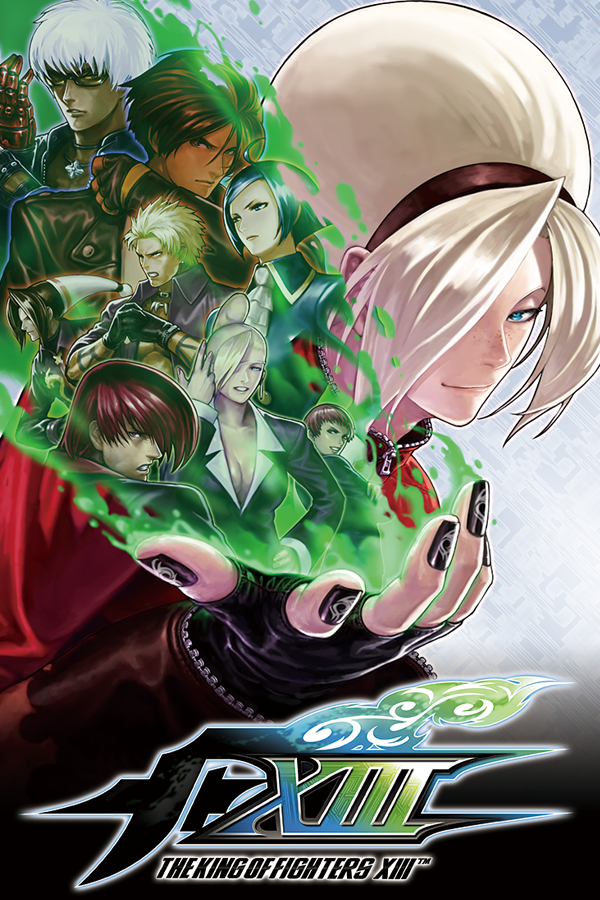
typex2-recomp v0.1.0-rc.2 brings static recompilation for Taito Type X and Type X2 arcade games to Android and macOS. Taito Type X hardware consists of standard Windows PCs housed inside arcade cabinets, so their games are Windows programs.
This tool translates each game’s code ahead of time into native binary code for your target device. It also supplies what the game expects from Windows, Direct3D, audio systems, and cabinet inputs. The prerelease supports titles like The King of Fighters XIII, Super Street Fighter IV Arcade Edition, and BlazBlue: Continuum Shift.
Android users can run titles via a single RetroArch core or as a standalone app launched through ES-DE. Rendering happens through Vulkan with OpenGL ES as a fallback, featuring on-screen touch controls for mobile devices. Developer testing on a Samsung Galaxy Tab A11 equipped with a Helio G99 processor and Mali-G57 graphics confirms gameplay at 60 frames per second. On macOS with Apple Silicon, games launch directly from the application interface and use Metal for rendering. Linux and Windows users can run the launcher to build Android exports, while direct gameplay on those operating systems is in progress.
To try it out, you must provide your own game files. Here are the steps to get started:
- Download the launcher from the GitHub releases page, choosing the
.dmgfile for macOS,.AppImageor.debfor Linux, or the.msiand setup.exefor Windows. Approve the system security prompts if your OS flags the unsigned application. - Point the launcher to your game folder containing the original
game.exefile so the software can recognize the title. - On macOS, click play to let the launcher handle the initial recompilation process before starting the game. On Android, export either the standalone application package or the RetroArch core and install it onto your device.
Controllers and arcade sticks work with default layouts tailored to each game’s original button configuration. Playing games directly on Linux and Windows is in progress.