Triforce-Recompiled v0.1.1 Fixes Unrecognized Controllers on PC
The Zelda 3DS fan port adds generic gamepad support, virtual pads, and custom SDL mapping files in version 0.1.1.
3DS → PC (Windows) · Port
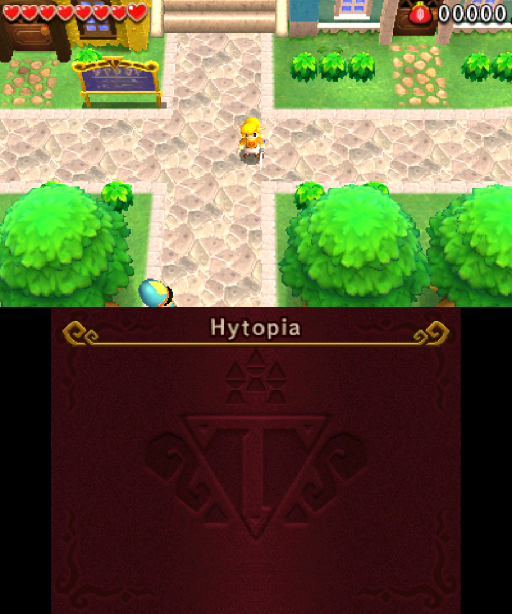
The Triforce-Recompiled project brings The Legend of Zelda: Tri Force Heroes from the Nintendo 3DS to Windows PCs. Version 0.1.1 fixes controllers that SDL previously ignored.
Previously, the port only recognized standard game controllers. Devices like vJoy software, synthetic Windows Xbox pads, and gamepads with missing GUIDs in the SDL 2.32 database received no input. Update 0.1.1 opens these devices as generic pads with a standard Xbox layout, radial deadzones, and D-pad handling.
The update adds support for custom SDL mappings through a user/gamecontrollerdb.txt file and a live diagnostics view under Settings → Controls → Detected controllers that copies input info to the clipboard for bug reports.
How to try it
- Download
TriforceRecompiled-v0.1.1-windows-x64.zipfrom the GitHub releases page. - Unzip it into a folder like
Documents\Triforce Recompiled. - Run
TriforceRecompiled.exeand follow the setup tab using your own decrypted European ROM (CTR-P-EA3P).
Windows may display a SmartScreen warning because the executable is unsigned. The system requires Windows 10 or 11 64-bit and a Vulkan-capable GPU, while Steam is needed for online co-op lobbies.