Tiberian Sun gets a static recomp for Windows, Linux and macOS
A static recompilation of Tiberian Sun and Firestorm is out as v0.1.0-alpha.1 for Windows, Linux and macOS. You still need your own copy of the game.
PC (Windows) → PC (Windows), Linux / Steam Deck, Mac · Recompilation
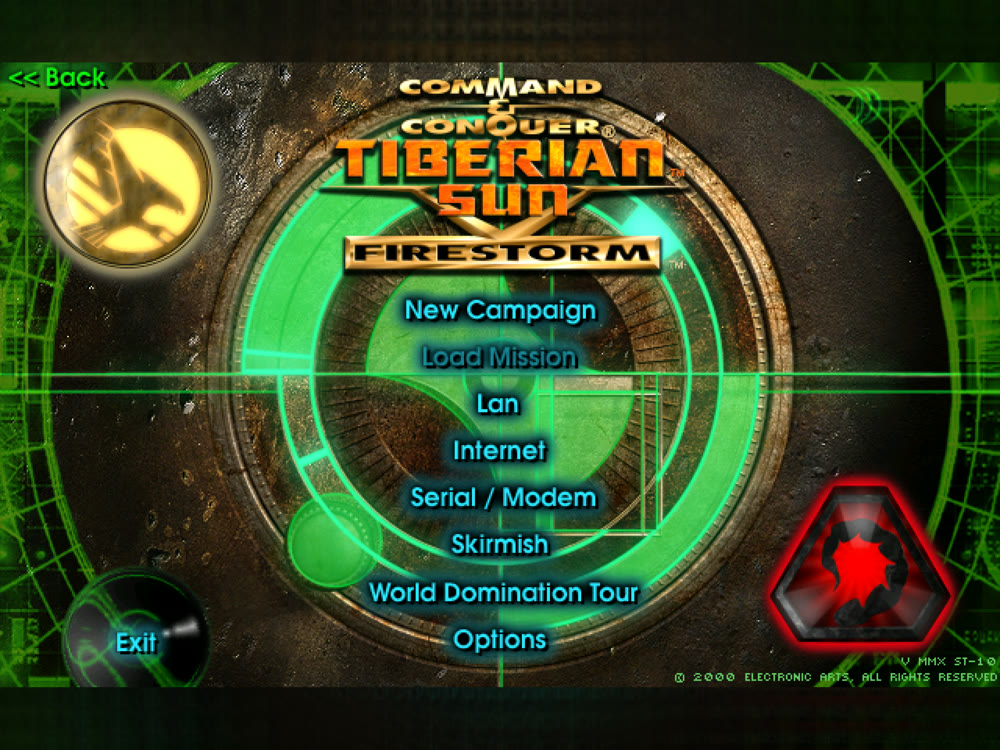
Tiberian Sun, the 1999 real-time strategy game from Westwood Studios, now has a static recompilation for Windows, Linux and macOS. The project, tiberiansun-recomp, has put out its first prerelease, v0.1.0-alpha.1. It is built on the game’s own code, so you still need your own copy to play.
Static recompilation means the project takes the shipping Win32 binary, Game.exe, and translates it to native C, then builds that C into a program. The goal goes past running the game: higher resolutions, proper scaling and a modern presentation layer. The work sits on pcrecomp, and the README says the host and test tools come from redalert2-recomp.
The game draws into its own Direct3D 11 window. F11 switches to borderless fullscreen, F12 cycles the scaling modes and F10 opens the settings. In game, resolutions run from 1280x720 up to 3840x2160. HD vehicles are drawn at twice the resolution of the picture. The --classic flag gives the original look, --original runs the shipping machine code for comparison, and --mute keeps runs silent.
On Windows you don’t need a Visual C++ redistributable. On Linux the game runs natively, with no Wine, using SDL2 for the window and sound. On macOS and Linux you can also run it under CrossOver or Wine.
The README calls the status bring-up, playable. The whole exe lifts with 0 errors. A scripted suite of 29 cases passes. It covers the menus, skirmishes from 640x400 to 3840x2160, the GDI and Nod campaigns up to their first mission with movies, and building and training units. The LAN and Internet menus were tested only as far as they go without servers. Above 1080 lines the sidebar needed a fix.
How to try it:
- Get your own copy of the game. The project tests the Steam release in The Ultimate Collection, Game.exe dated 2000-06-05, with no DRM.
- Download the installer from the project’s releases page.
- Run it and press F10 for the settings menu.
The README names Red Alert 2 as the next game on this engine, with the same remaster approach. Whether a Red Alert 2 build follows is unclear.

