Super Mario All-Stars gets a fan port for Windows and Android
A fan port of Super Mario All-Stars for Windows and Android, with 21:9 widescreen, two-player co-op and save states. You need your own USA ROM.
SNES → PC (Windows), Android · Port
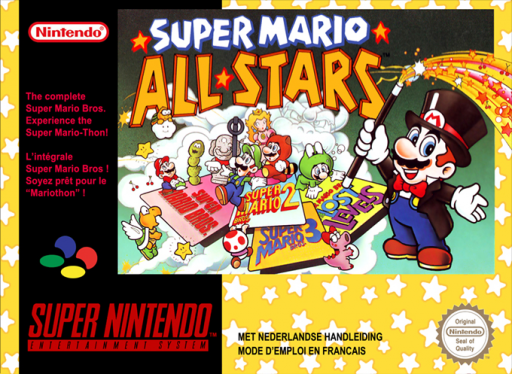
The SNES (Super Nintendo) collection Super Mario All-Stars now has a native fan port for Windows PCs and Android phones and tablets. SuperMarioAllStars v1.0 covers all four games in the collection: Super Mario Bros., The Lost Levels, Super Mario Bros. 2 and Super Mario Bros. 3.
The code lives in the SuperMarioAllStars repository on GitHub, and the release notes credit Team RedTail. The port’s own code is MIT. The project says it is not affiliated with or endorsed by Nintendo.
The main draw is the picture. It supports 16:9, 16:10 and 21:9 in all four games, and the extra width shows the real level instead of stretching it. The HUDs move out to the screen edges. Two players can play at once in Super Mario Bros., The Lost Levels and Super Mario Bros. 3. There are 82 achievements, nine save-state slots, rewind, fast forward, level select, cheats, CRT and LCD filters, and seven bundled RetroArch slang shader presets.
The port ships with no game data. You need your own dump of Super Mario All-Stars (USA), CRC32 925637C7. Other dumps load too, but widescreen, cheats and level select are tuned for the USA version.
On Windows:
- Unzip
SuperMarioAllStars-PC-v1.0.zipanywhere. - Run
SuperMarioAllStars.exeand pick your ROM when asked. You can also put it in aromsfolder next to the exe. - Controls and options are in
README.txt.
On Android:
- Install
SuperMarioAllStars-Android-v1.0.apk. Android will ask you to allow installs from this source. - Tap the ROM not found card and pick your
.sfcor.smcfile. The app copies it in.
The APK is debug-signed and needs a 64-bit ARM phone or tablet on Android 6.0 or later. The x86_64 emulator image works too. Touch controls are on by default, and a gamepad works the same as on Windows. Window settings, VSync, black frame insertion, high frame rate and slang shaders are Windows only.
The Android build follows the same approach the team used for its Mickey & Donald Collection port, so this is an established path for them, not a first try.

