Super Mario 64 DS gets a native Windows PC port, still unfinished
A new dev build of a native Windows PC port of Super Mario 64 DS is out. It needs your own ROM and still has open bugs.
DS → PC (Windows) · Port
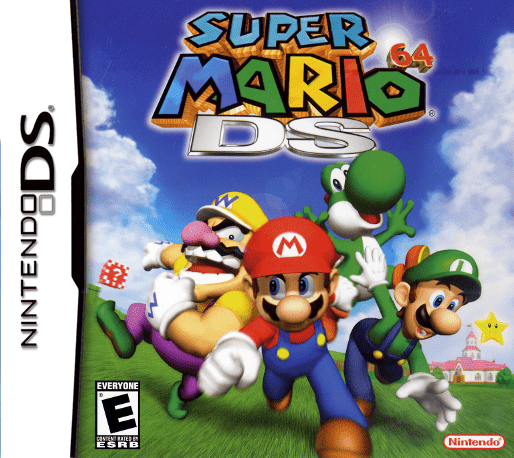
Super Mario 64 DS, the Nintendo DS game, now has an experimental native Windows port. The October 18 prerelease is a development build, and the author calls the project unfinished. You can’t finish the game with it yet.
The port builds on the community decompilation at tangosdev/sm64ds-decomp, which recovers the game code so it can be compiled for a PC. You need your own unmodified European Rev 0 cartridge dump, with SHA256 ce5829aaa79f06c67140ed1f45cbca738b0a9d0180538c8c1498472d859db032. Nothing from Nintendo ships in the repo.
What works now: native title and file menus, course entry, some gameplay actors, controller input, a minimap, and rendering up to 3840x2160. Yoshi can still rise above the ground by mistake, and the cannon-opening sequence is unverified. The repo description lists browser Download Play and multiplayer as features, but the README puts them under development plans.
How to try it:
- Install Windows, Python 3, and Visual Studio Build Tools with the “Desktop development with C++” workload. Then run
py -3 -m pip install ndspy==4.2.0. - Download the build kit from the Releases page and extract it to a short writable path.
- Drag your ROM onto
ASSEMBLE-PC.cmd. - Once that step finishes, double-click
Play.cmd.
The build kit is not a ready-to-run executable. The local step generates the ROM-derived data on your machine. Keep your normal saves separate.
The October 18 checkpoint compiled and passed 52/52 CTest checks and 8/8 Buddy adapter checks. The author says runtime testing found the collision bug, and passing component tests doesn’t prove full gameplay works.
The Yoshi bug and the unverified cannon sequence are still open. The code is MIT licensed, and the project is an independent fan effort, not affiliated with Nintendo.

