Strike Gunner S.T.G Recomp 0.1.3 adds an all-weapons mod
Fan recompilation of the 1992 SNES shmup for Windows. Version 0.1.3 adds an all-weapons-every-stage option. You still need your own ROM.
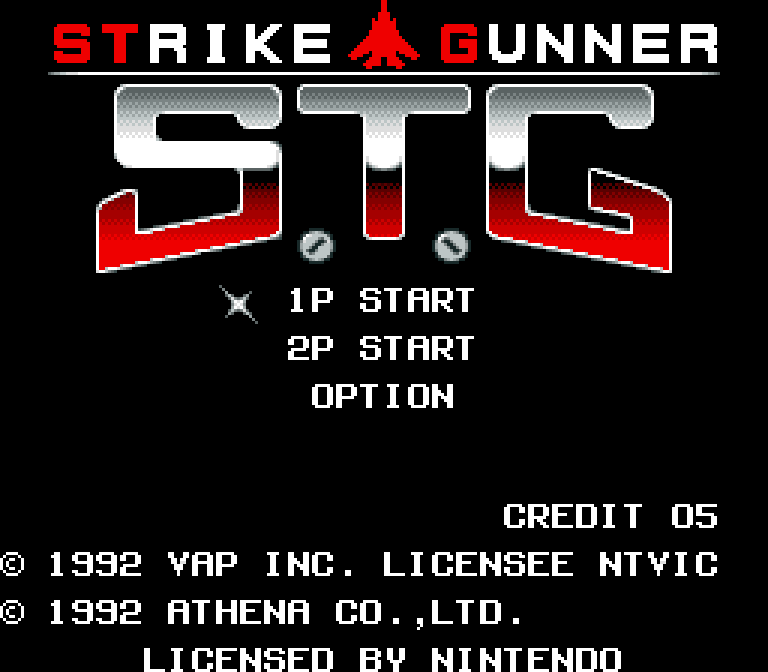
Version 0.1.3 of Strike Gunner S.T.G Recomp came out on October 17. It’s a native Windows port of Strike Gunner S.T.G, a 1992 vertical shoot-’em-up for the SNES. The project turns the game’s 65816 code into native C, while the SNES video chip, sound chip and DMA still run in emulation. It’s built on snesrecomp, which falls back to an interpreter for code the analysis hasn’t reached yet.
The new feature is an All weapons every stage mod. Normally a special weapon gets marked NO USE once you take it into a stage, and it stays that way for the rest of the game. Turn the mod on under Gameplay options on the launcher’s Mods page and every weapon stays available. It works for both players and is off by default. The Infinite lives mod from 0.1.2 is still there, and the two work together or separately.
One catch: weapons used while the mod is on are forgotten by the game. They stay available after you switch the mod off, and save states made during that time keep this effect.
As of October 14, the project says the game is playable from intro to ending in single-player. Two-player starts and each ship answers its own controller, but a full two-player playthrough has not been done yet.
You need your own copy of the game. The download includes no ROM data. You’ll need a ROM of Strike Gunner S.T.G (USA) with CRC32 d054e288, a 64-bit Windows 10 or 11 PC, and about 2 GB of free disk space.
- Unzip the release into its own folder and run
StrikeGunnerSTGSNESRecomp.exe. - Pick your ROM, then click Generate & rebuild. A console window builds the game, which takes a few minutes. If
cmake-clang-v1isn’t on your PC, the first run needs internet. - When the launcher reopens, click Play.
If you’re upgrading, unzip 0.1.3 into a new folder and repeat the steps. You can copy old save states from the build\saves folder. Controls and options are in the PLAYING.md guide. The project is licensed for non-commercial use only. For bug reports, open an issue and attach build\last_run_report.json, but leave out save states, since they contain game data.