Splinter Cell: Double Agent Xbox 360 Port Gets v0.1.3 Update
The native PC static recompilation of Splinter Cell: Double Agent for Xbox 360 adds controller vibration fixes and an in-game language menu.
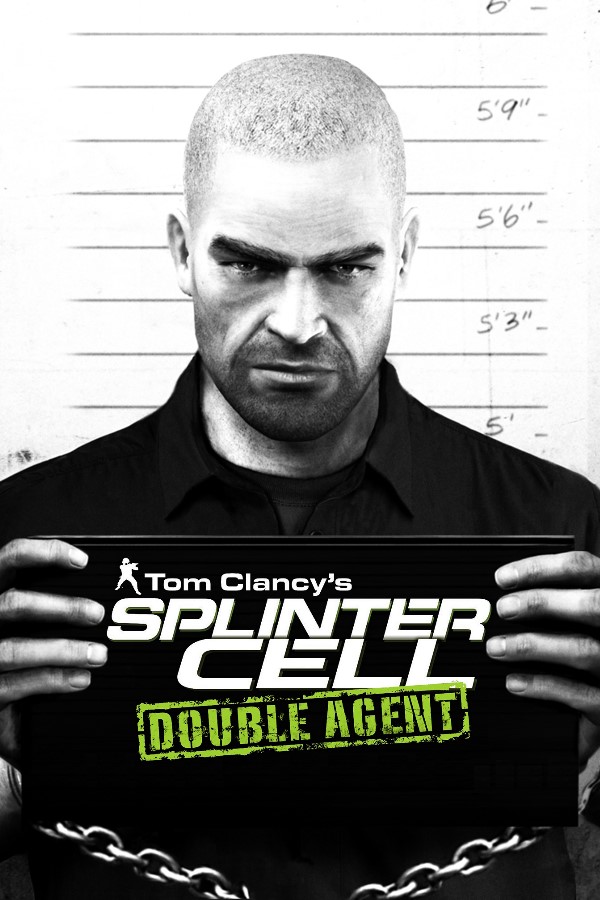
The native Windows x64 static recompilation of Splinter Cell: Double Agent (Xbox 360), an Unreal Engine 2.5 stealth action game originally built for Microsoft’s seventh-generation console, now has its v0.1.3 update.
Developer thatcalikid760 pushed the new build to GitHub, addressing several lingering bugs from earlier releases. Version 0.1.3 fixes a controller vibration bug. The game read the vibration on/off setting from the Xbox profile, and the port answered off, so the controller never rumbled. It now answers on. The update also adds an in-game language selector: press F1, open Display, and pick English, French, German, Italian or Spanish. Menus, subtitles and voices change. The change applies the next time the game starts, and if your disc lacks the chosen language, the game stays in English.
Several visual defects have been cleaned up across recent incremental patches leading into November 2026. Major geometry holes in the JBA headquarters and the Iceland shack have been patched, fixing walls and floors that rendered as dark triangles or let players see through level walls. Hotel windows, mirrors, wardrobe doors and Cozumel’s sea horizon render correctly now. New York’s moon and clouds no longer flicker, and Kinshasa’s ground no longer shows shadow. The build is fully playable but still has visual bugs.
Limitations and Known Issues
- Character Shadows: Sam and other characters still don’t cast shadows from indoor lights the way they do on Xbox 360.
- Performance Drops: Camera turns in busy areas like New York can dip to 20-25 fps, because the PC’s speed at processing the game’s graphics commands sets the limit. Most maps hold the game’s 30 fps cap.
- Resolution: Ultrawide monitors are not supported yet.
How to Try It
- Download
SCDA_Setup.exefrom the GitHub repository. - Run the installer and point it to your own
.isoimage of the USA, Europe disc of the Xbox 360 version of Splinter Cell: Double Agent. The installer isn’t code-signed, so Windows and antivirus software may warn about it. - Launch
scda.exefrom your installation folder.