Snatcher's Windows recomp v1.0.6 remembers your disc image
Snatcher-Recomp v1.0.6 runs the Sega CD game natively on Windows x64 and now saves the path to your disc image.
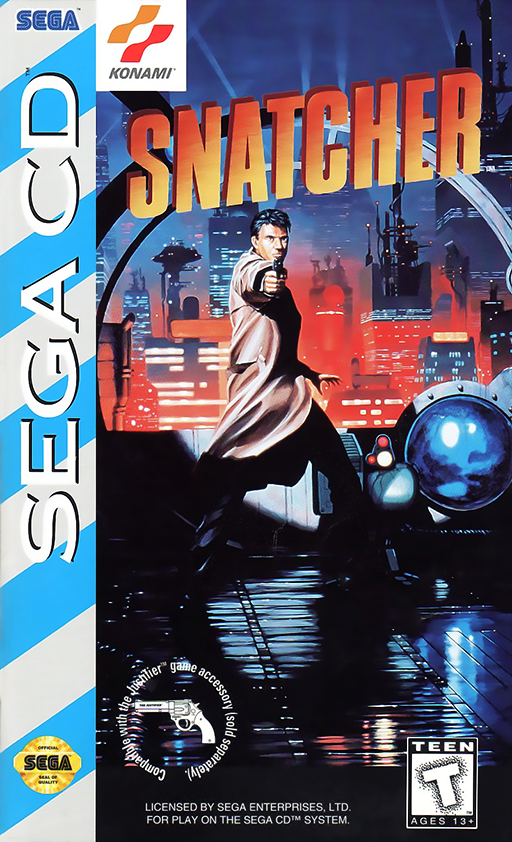
Snatcher-Recomp v1.0.6 is available for Windows x64. It is a static recompilation of the Sega CD game Snatcher, translating original machine code into C and building a 64-bit PC executable. You need your own disc image to play. The launcher accepts .sgcd, .cue, .bin, and .iso files.
The main update saves the disc location. Selecting the image with the Browse button stores the path in settings.toml and disc.cfg. Later launches load the game automatically, even if the image is in another folder or drive. The launcher also converts the image into disc/snatcher.sgcd for instant loading. Plain .iso files work alongside .cue, .bin, and .sgcd.
Release notes list features from earlier versions: EPX / Scale2x filtering for text and subtitles, an always-on-top file picker, an adaptive refresh rate matching the monitor up to 360 Hz, and 16:9 fullscreen.
The README, written in Spanish, documents a Konami Justifier light gun mode controlled via mouse, plus 4K and 1080p rendering options with CRT shaders. The listed region is NTSC-U with Spanish voice acting and text. The repository acts as a Mega-CD recompilation hub, with Snatcher listed as the first title.
How to try it:
- Download the Windows x64 release from the Snatcher-Recomp repository (https://github.com/aitorcachero/Snatcher-Recomp).
- Run
Snatcher.exeorJUGAR_SNATCHER.bat. - Click Browse and select your disc image.
- Press F1 or Esc in-game to open settings. Use arrow keys for movement, Z, X, and C for A, B, and C buttons, and Enter for Start.