RunnerRecompiled 0.2.8 brings Mirror's Edge static recompilation to Android
RunnerBuilder 0.2.8 lets you build a native Android APK of Mirror's Edge from your GOG PC copy, with a fix for the on-screen stick when a gamepad is connected.
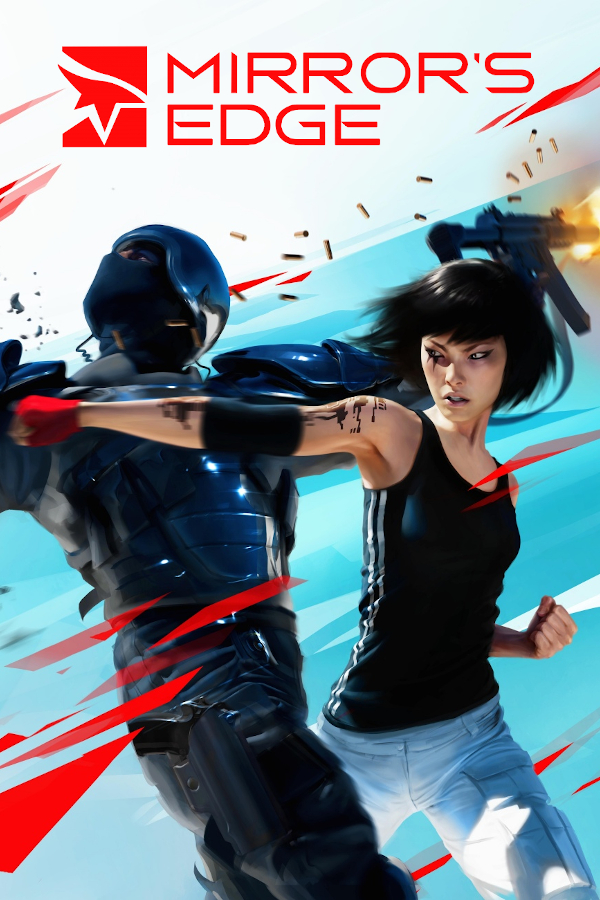
RunnerBuilder 0.2.8 is out for RunnerRecompiled, an unofficial static recompilation project that brings the Windows PC version of Mirror’s Edge to native Android ARM64. Unlike an emulator, the tool translates the game’s x86 code into C ahead of time using your own GOG installation files. The project is still in testing, and the builder has been checked on one Windows 11 PC so far.
Version 0.2.8 fixes an issue where the on-screen stick failed to respond while a gamepad was connected. This update follows recent builds that introduced graphics options, an economy mode, up to 60 FPS in heavy scenes, and support for eight languages. Audio, PhysX 2.8 physics, and Bink videos run through the recompiled code, while graphics are translated to Vulkan using DXVK.
How to try it
You need a Windows x64 PC, about 25 GB of free disk space, 1.3 GB of downloads, and an installed GOG copy of the game. Other versions do not work.
- Download RunnerBuilder.exe. Windows may flag the unsigned binary.
- Point the tool to your game folder, accept the Android SDK terms, and click Build. The process takes between 5 and 30 minutes.
- Copy the resulting folder to an Android 10+ device with an ARMv8.4 CPU and Vulkan support, install the generated APK, and select your game archive inside the app. The game needs about 12 GB on the device.
The resulting build contains code and files from your copy of the game, so do not publish or share the output. In testing, the game runs at about 45 to 60 FPS on a Lenovo Legion Y700 Gen 4 with a Snapdragon 8 Elite, not a steady 60, and the device gets hot in long sessions.