Rule the Kingdom gets a native desktop port, version 1.2 adds fullscreen and FPS settings
RTKContinued 1.2 runs the 2012 Android game natively on macOS, Windows and Linux. Fullscreen and frame-rate options are new.
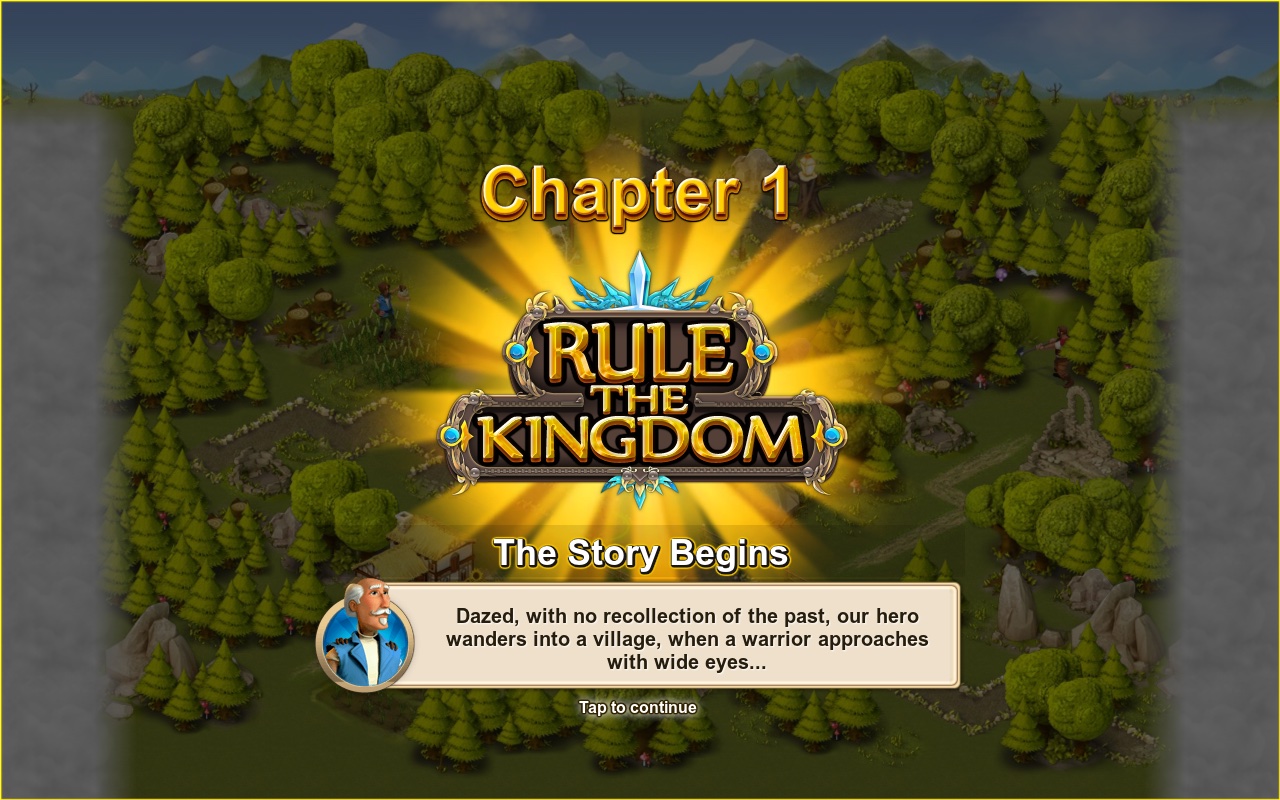
RTKContinued 1.2 is out. It’s an open-source C++ port of Rule the Kingdom, a 2012 Android game by innoWate, and it runs natively on macOS, Windows and Linux. The port was rebuilt function by function from the original Android game library. The repo description says Claude Opus 5.5 did most of the work. It’s unclear who reviewed the code or how many people worked on it.
The README says the 1.0 release covers every game function of the 5.11 version, from the tutorial to the campaign finish. Offline PvP stands in for the server, and online-only features are left out.
Version 1.2 adds fullscreen and FPS controls to Settings, which opens with the gear button. Two tiles at the bottom right switch fullscreen on and off and set the FPS to 30, 60 or max. ⌘+Enter toggles fullscreen too. On a Mac keyboard, F10 and F11 act as media keys unless you hold fn, so the plain keys didn’t switch fullscreen in game.
The game itself isn’t included. You need the Rule the Kingdom 5.11 APK, and the update packs come with it.
- Download the file for your system: a DMG for Apple Silicon Macs, a zip for 64-bit Windows, or a tar.gz for x86-64 Linux.
- Put the APK in the same folder as the game. On macOS, that means Applications.
- Run the game. On macOS, right-click it and choose Open the first time, because it’s signed ad hoc.
If a new game opens on the castle map with no quests, an early test save is still in the save folder. Quit the game and move save.bin and save.binprev out of it. On macOS that folder is ~/Library/Application Support/Rule the Kingdom. The next start begins at Chapter 1.
The content belongs to Game Insight and innoWate. The project calls itself a non-commercial preservation effort and lists no real-money purchases.