Rugrats Adventure Game gets a 64-bit Windows port update, v1.1.1
T.M. DEVELOPMENTS released v1.1.1 of its unofficial native 64-bit Windows port of the 1998 Rugrats Adventure Game.
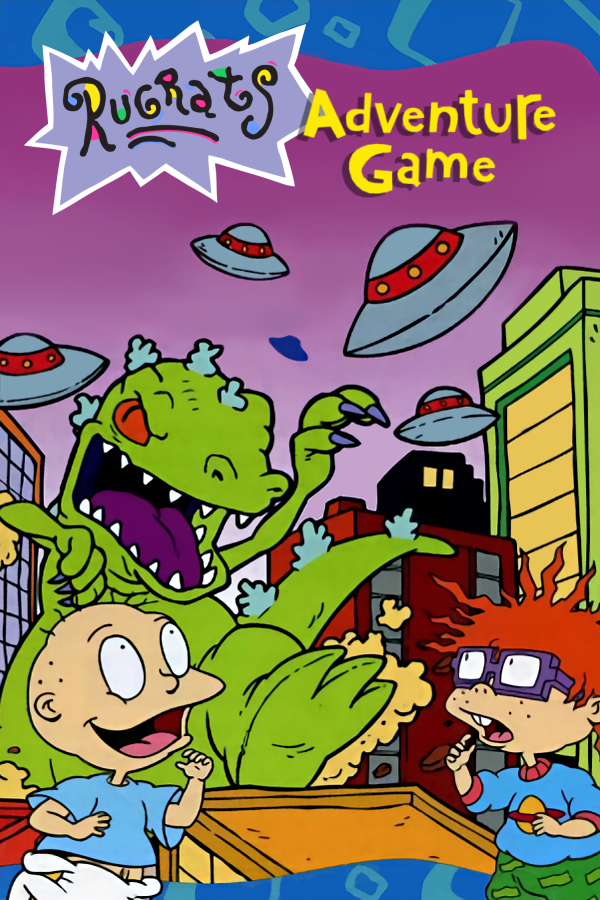
The unofficial 64-bit Windows port of Rugrats Adventure Game reached v1.1.1 on October 26, with three bug fixes. The original is a 1998 Windows game from Broderbund and Mohawk’s Living Books, and it runs on Living Books player 3.1. The port runs the game’s own scripts and media natively, so you skip the 16-bit installer, QuickTime 3, DirectX 5 and the 256-color mode.
The fixes cover a freeze after clicking the trash can while Stu or Didi was in the kitchen, a playpen save continued after the opening cutscene left Stu off the couch, with silent music and an unresponsive cursor, and a brief flash of the empty playpen before a new game.
You need 64-bit Windows 10 (build 14393) or later, a GPU (Direct3D 11 recommended) and about 1.1 GB of disk. The port contains no game content, so you need an original CD-ROM. The README says it was vibe-coded with Claude (Anthropic).
How to try it:
- Download the installer from the project’s GitHub Releases page. It isn’t code-signed, so SmartScreen may warn. Click “More info”, then “Run anyway.”
- Point setup at your CD drive, or at a copied folder that contains
MHK\andPROGRAM\. - Let setup convert the movies and sounds. It takes a minute or two.
Saves go to %APPDATA%\Rugrats Adventure Game\. Start the game with --portable, or put an empty file named portable next to RUGRATS.EXE, to keep them in the game folder. Windows 7 and 8.1 are untested.

