RE:DEX v0.1.0 statically recompiles Pokémon X and Y for Windows with shared online worlds
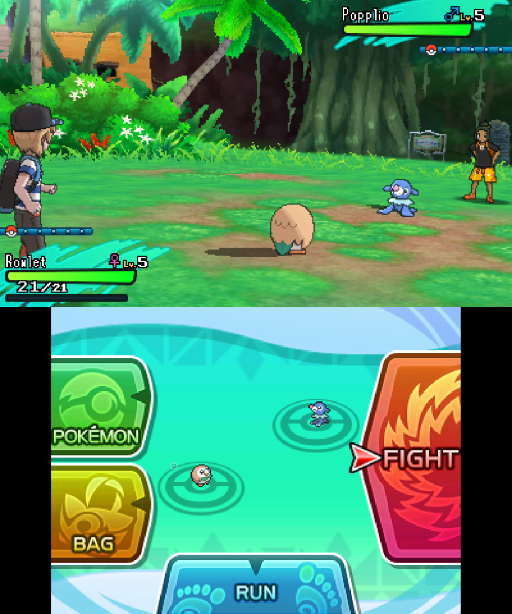
RE:DEX v0.1.0 brings static recompilation to Nintendo 3DS, turning Pokémon X and Y into native Windows builds with cross-version online multiplayer.
Developer Recoi1 released RE:DEX v0.1.0, a static recompilation project that turns Nintendo 3DS titles Pokémon X and Y into native Windows games with a shared online world. Written in Rust, the prerelease build translates the 3DS ARM11 game code ahead of time into C and compiles it directly on your PC.
Static recompilation has already produced native PC ports for N64 and Xbox 360 games through tools like N64Recomp and XenonRecomp. RE:DEX brings that approach to a 3DS RPG alongside custom multiplayer infrastructure.
Because the project ships no Nintendo code or assets, you must supply your own decrypted .cci or .3ds game dump. On first launch, RE:DEX builds the executable locally in a few minutes, with all required build dependencies included in the release folder. Once compiled, the port supports high refresh rates up to your monitor’s refresh rate via a Smooth motion option, resolution scaling, controllers, and texture packs. You can also import existing main saves from Citra, Azahar, or a Checkpoint backup.
Before reaching the original 3DS title screen, RE:DEX boots into a custom front end featuring a 3D character creator that renders your trainer using the game’s own engine. You can store up to eight characters, and outfits purchased in boutiques carry over between X and Y. Online play runs on community-hosted redex-world servers using Steam authentication. Players across both versions walk Kalos together, see each other’s custom outfits, and use proximity visibility, whispers, reports, and ignore lists. To keep online worlds fair, fast-forward, dev tools, local-wireless rooms, and gameplay-altering mods are disabled while connected. Trades, battles, and a market with server-side legality checks are planned for future updates.
To try it out:
- Download the v0.1.0 release folder and launch
redex.exe. - Click Add your game and select your decrypted Pokémon X or Y
.ccior.3dsfile. - Wait a few minutes for the local build process to finish, create a trainer, and start playing.
The project is in early development, so online trading and battles are still missing.