RedBaron_Recomp v0.10 brings Snoopy Flying Ace to Windows
Snoopy Flying Ace gets a native Windows x64 static recompilation with modern video options and EOS online integration.
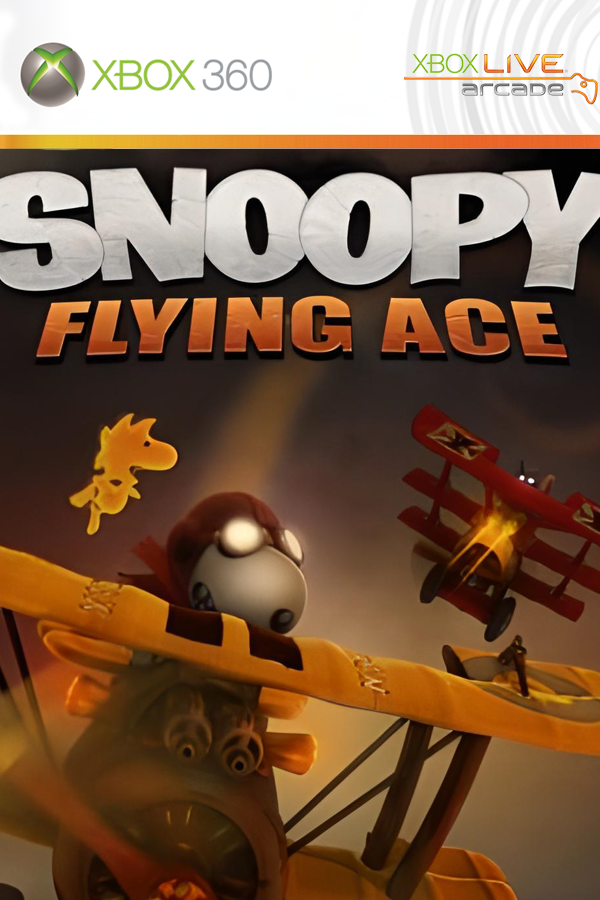
Snoopy Flying Ace, an arcade flight shooter originally released for the Xbox 360, runs natively on Windows via RedBaron_Recomp v0.10. Built using ReXGlue and ReXAuto, this public testing release translates the console binary into a native Windows x64 executable.
The release includes a local-build launcher that handles code generation, compilation, and optional DLC integration from user-supplied game files. Players can configure resolutions up to 4K, borderless fullscreen, VSync, anisotropic filtering, FXAA, and an in-game frame rate counter. Temporal upscaling options feature spatial FSR/CAS, experimental FSR 3.1.5, and NVIDIA DLSS Super Resolution or DLAA, alongside an optional SDR-to-HDR10 conversion.
Multiplayer relies on Epic Account Services for P2P transport, public and private lobbies, matchmaking, achievements, and leaderboards. Local play supports two-player split-screen alongside bots, while online competitive sessions accommodate up to eight players. Four-player local split-screen remains unimplemented despite controller profile options.
How to try it
- Download
RedBaron_Recomp-v0.10-windows-x64.zipfrom the GitHub repository. Choose the offline package if you need bundled build tools. - Open
RedBaron_Launcher.exeand select your extracted Xbox 360 game folder ordefault.xexunder the Install tab, along with an empty destination directory. - Optionally provide a folder containing your original DLC files and click Install to run the local compilation.
- Configure language, video settings, and controls in the launcher, then save and launch the game.
