Red Alert 2 and Yuri's Revenge get a static recomp for Windows, Linux and macOS
The first alpha of redalert2-recomp runs Red Alert 2 and Yuri's Revenge natively on Windows, Linux and macOS. You need your own copy.
PC (Windows) → PC (Windows), Linux / Steam Deck, Mac · Recompilation
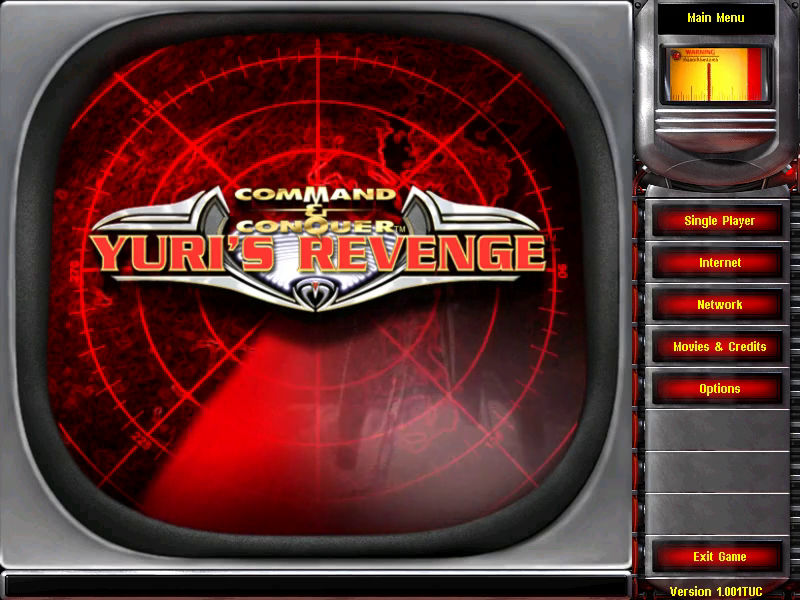
The first alpha of redalert2-recomp is out. It’s a static recompilation of Command & Conquer: Red Alert 2 and its expansion Yuri’s Revenge, both originally PC (Windows) games from Westwood, and it runs natively on Windows, Linux and macOS. You need your own copy of the game to build it.
Static recompilation means the project takes the shipping Win32 binaries (game.exe 1.006 and gamemd.exe 1.001) and translates them into native C, then builds that into a new ra2.exe. The code is Westwood’s own, recompiled. OpenRA is a separate engine that reimplements the rules. This one runs the original game logic.
The project also adds the kind of remaster the first two C&C games got, which the original engine never had. You get a Direct3D 11 window that resizes or goes borderless fullscreen (F11 or Alt+Enter), scaling modes on F12, and resolutions from 1280x720 up to 3840x2160. HD vehicles are drawn at twice the resolution from the game’s own voxel models. Modern controls let you left-click to select, right-click to order, and Shift-click a build icon to queue five. Mods go in a mods/ folder and load over the game without changing it. LAN multiplayer works as shipped, through IPXEmu.
It’s a prerelease, so expect rough edges.
How to try it
- Get the Steam or EA App build of the game. The folder needs
game.exeandgamemd.exe. - Download the installer for your system from the latest release:
RA2-Recomp-Installer-windows-x64.exe,-linux-x64.tar.gzor-macos-arm64.zip. - Open it. It finds your game, or you point it at the folder.
- Press Build my recomp, then Play.
The first build takes 30 to 60 minutes and about 6 GB. On Windows it installs Visual Studio’s Build Tools and asks permission once. The installers aren’t signed yet, so SmartScreen asks first (More info, then Run anyway). On a Mac, right-click the installer and pick Open.
If you prefer scripts, download the repository ZIP and run Setup.cmd on Windows or ./setup.sh on Linux and macOS. Building by hand, Wine and the command line are covered in docs/building.md. The project also runs under Wine and CrossOver. --classic gives the original display, and --original runs the shipping machine code for comparison.