Red Alert 2 recomp v0.1.3 fixes a Windows launch crash and a stuck quit on Linux and macOS
Red Alert 2 recomp v0.1.3 fixes ra2.exe failing to start on some Windows PCs and the process staying alive after quit on Linux and macOS.
PC (Windows) → PC (Windows), Linux / Steam Deck, Mac · Recompilation
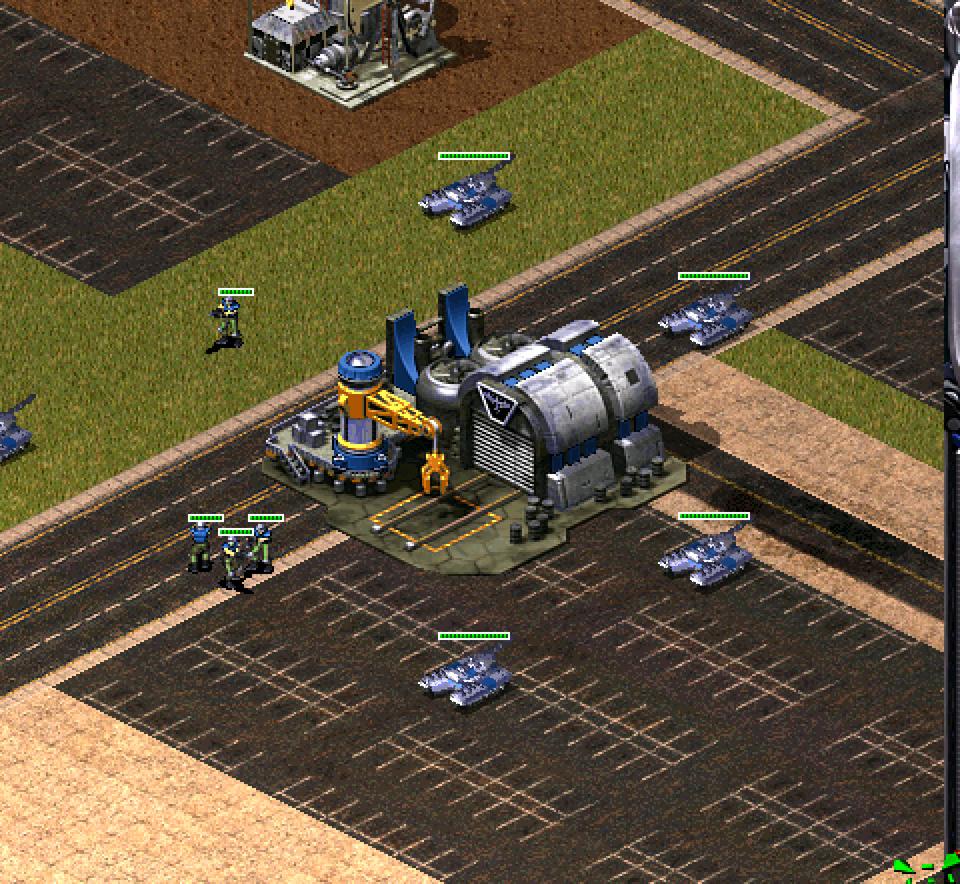
Red Alert 2 and Yuri’s Revenge now run natively on Windows, Linux and macOS through redalert2-recomp, a static recompilation of Westwood Studios’ 2000 and 2001 games. You still need your own Steam or EA App copy. Version 0.1.3 fixes two bugs.
On some Windows PCs, ra2.exe failed to start with “The subsystem needed to support the image type is not present.” The exe had grown big enough to overlap a spot where Windows places its 32-bit ntdll.dll, and that spot changes on each boot. Screen buffers are now allocated at runtime, so the exe stays clear.
On Linux and macOS, closing the window left the process running and the app stuck in the Dock. The game now gets three seconds to exit before it’s closed, as the Windows build already did.
Building from source on Windows? Pull, then delete the build and build-game folders first, or Visual Studio keeps the old oversized layout.
To try it:
- Download the installer for your system from the release page:
RA2-Recomp-Installer-windows-x64.exe,-linux-x64.tar.gzor-macos-arm64.zip. - Open it. It finds your game, or you point it at the folder.
- Press Build my recomp, then Play.
The first build takes 30 to 60 minutes and about 6 GB. The installers aren’t signed yet, so expect a SmartScreen prompt on Windows.