Rayman 2: Recompiled v0.1.12 adds renderer and crash fixes
Rayman 2: Recompiled 0.1.12 for Windows and Linux updates RT64 and fixes two crashes. You still need your own USA ROM.
N64 → PC (Windows), Linux / Steam Deck, Browser · Recompilation
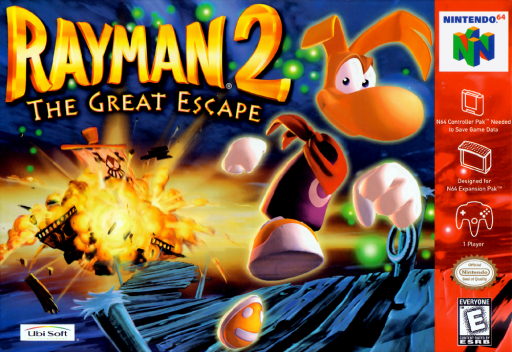
Rayman 2: Recompiled v0.1.12 came out on November 7 for Windows and Linux. It is a static recompilation of the Nintendo 64 game Rayman 2: The Great Escape, translating the original MIPS code to C to run natively with RT64 rendering graphics. It is not an emulator.
This release moves to the newest RT64 and fixes two bugs in the shared renderer. A game that copies from a 4-bit framebuffer no longer crashes, and a scene with a broken camera no longer pulls another scene’s objects out of place between frames.
Almost all of the code was written by AI agents (Claude), directed and play-tested by a person. The authors state that upstream projects do not take AI-written code. The game has not been played from start to end yet.
How to try it:
- Supply your own USA ROM as a big-endian
.z64of 32 MiB with SHA-150558356b059ad3fbaf5fe95380512b9dceaaf52. Other regions are not supported. - On Windows, extract
Rayman2Recompiled-v0.1.12-windows-x64.zip, ensure you have a recent x64 Visual C++ 2015-2022 redistributable, and runRayman2Recompiled.exe. - On Linux, extract
Rayman2Recompiled-v0.1.12-linux-x64.tar.gzand runRayman2Recompiled. You need glibc 2.35 or newer, a Vulkan driver, GTK 3, and FreeType. - Pick the ROM with Load ROM, then choose Start Game.
The same game plays in a browser through WebGPU at n64hub.com/rayman-2.