Project Gotham Racing 2 PC port 1.1.0 adds your own music
The unofficial PGR2 PC port 1.1.0 turns your music folder into in-game soundtracks and fixes the Nürburgring sky.
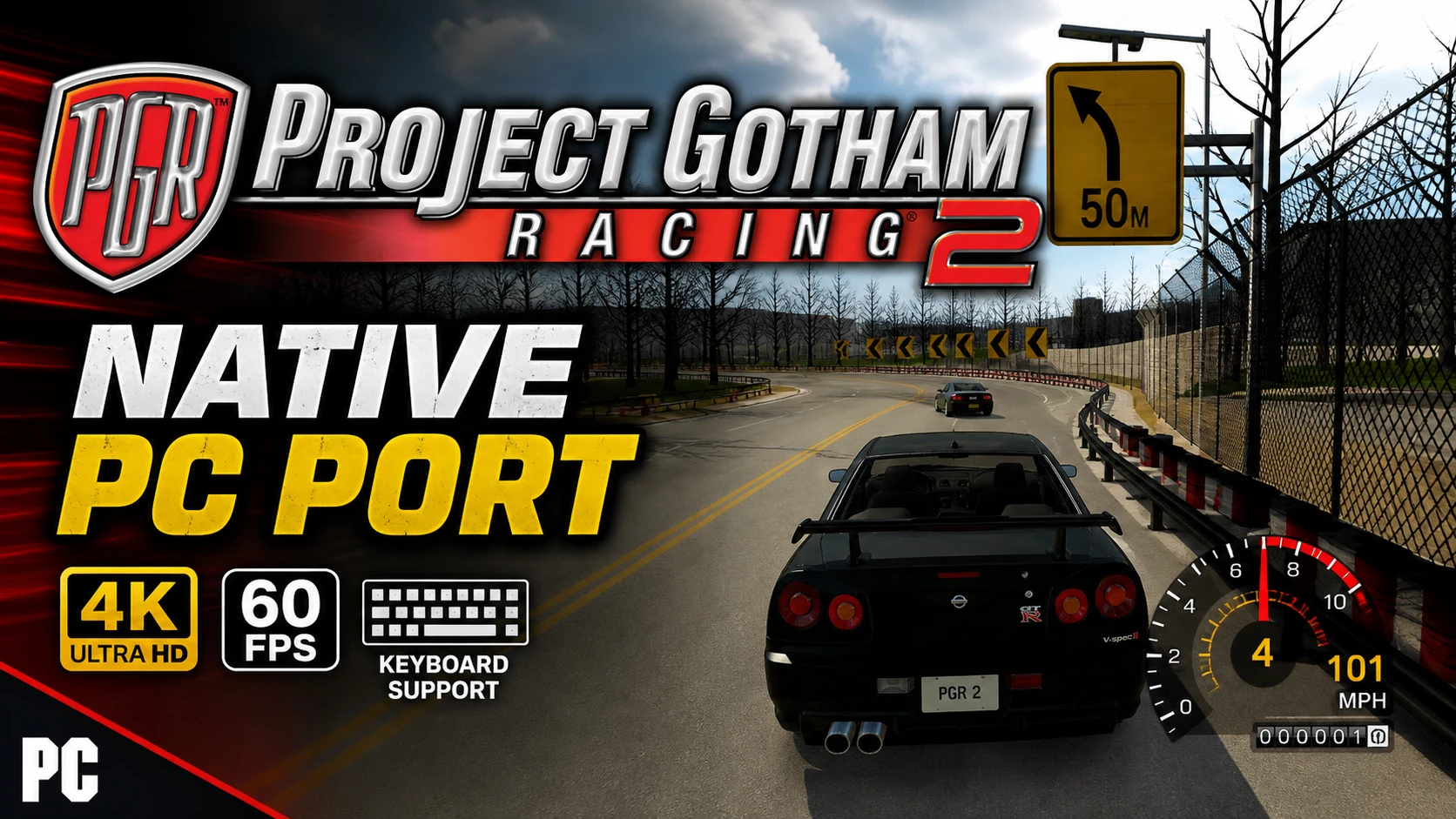
The unofficial native PC port of Project Gotham Racing 2 (PGR2), the Xbox racer, got version 1.1.0 on October 26. The headline feature is custom music. The new launcher turns a folder of your own songs into soundtracks you can play in the game.
It is a static recompilation and runs without an emulator. The game’s x86 code is compiled into a Windows executable with the Xbox XBE Recomp tool, and the Xbox graphics, sound and system libraries are rewritten for Windows on Direct3D 12 or 11, XAudio2 and SDL. The repo ships no game files. You build the game on your own PC from your own disc.
For music, each subfolder becomes a soundtrack, and songs in the top folder make one more. The launcher converts MP3, FLAC, OGG, Opus, M4A, AAC, WAV, WMA and AIFF with FFmpeg, which it downloads on first use (about 90 MB). Song names come from the tags. After you add or change songs, Update my music converts only those. In the game, go to Options > Sound / Music > PGR 2 Custom Soundtrack.
Other changes: menu, HUD and text textures are enlarged two or four times with sharp edges. You can switch that off under F1 > Graphics > Sharp text and HUD. The Nürburgring sky, which was black in the flyover and white with brown bars that flashed while driving with the DLC on, is drawn again. Compiled shaders now save to shadercache.bin, so the stutter when a new area loads its shaders happens once instead of every time. Settings also get a Quit game button.
If it is already installed, download the new PGR2Launcher.exe, replace the old one in the same folder, press Update, then Play. Your build and saves stay. The new launcher is needed only for custom music.
New install:
- Download
PGR2Launcher.exeand put it in its own folder, for exampleC:\Games\PGR2. - Run it. If Windows warns about an unrecognised app, choose More info, then Run anyway.
- Choose your disc image or folder (PAL or NTSC), accept Microsoft’s C++ license, and press Build. It needs about 1.4 GB for the tools, about 15 GB free, and takes 30 to 90 minutes the first time.
- Press Play. The first start copies the game’s cache, about two minutes.
You need Windows 10 or 11, 64 bit, and a GPU with Direct3D 12 or 11. The Japanese release has not been checked, so the game asks before it starts. If something breaks, send PGR2\play\logs\pgr2.log or PGR2\launcher.log with your report.
