Open Nectar 1.1.1 adds Switch controls and mouse menus to Pikmin ports
Open Nectar 1.1.1 adds a Switch controller layout, mouse menus and a lighter renderer to its native Pikmin and Pikmin 2 ports.
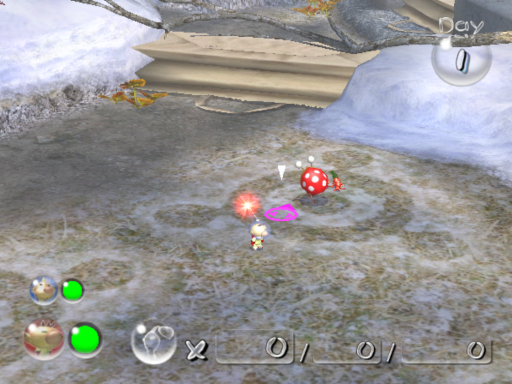
Open Nectar 1.1.1 is out, with a Switch controller layout for its native ports of Pikmin and Pikmin 2, the GameCube games. The ports run on Windows, Linux and Android.
Open Nectar runs the game code directly and translates GX to OpenGL, so Dolphin is not involved. It builds on the projectPiki Pikmin decompilation.
To turn the layout on, pick Switch in F1 > Controls > Controller Layout. The right stick turns the camera, and ZL faces forward. In Pikmin 2, Y switches captain. The Controller Guide page in F1 lists every action based on your current layout.
The release also lets mouse clicks work through every Pikmin 1 menu, and the right stick can move the cursor. The renderer does less work per frame on the GPU driver. The release notes say Pikmin 1 spent about a third of its frame time there. Two Pikmin 2 randomizer bugs are fixed too.
To update, press Update in the launcher. On Android, install the new APK over the old one. Don’t uninstall first, or your data is lost.
The README says the code was developed with AI assistance. The author reviewed and tested it, but has no testers beyond their own devices, so bug reports drive the fixes.