MLB Bobblehead Pros and Battle Get Static Recompilation PC Ports
MLB Bobblehead Pros and Battle arrive on Windows via static recompilation, translating Xbox 360 PowerPC code into native x64 binaries.
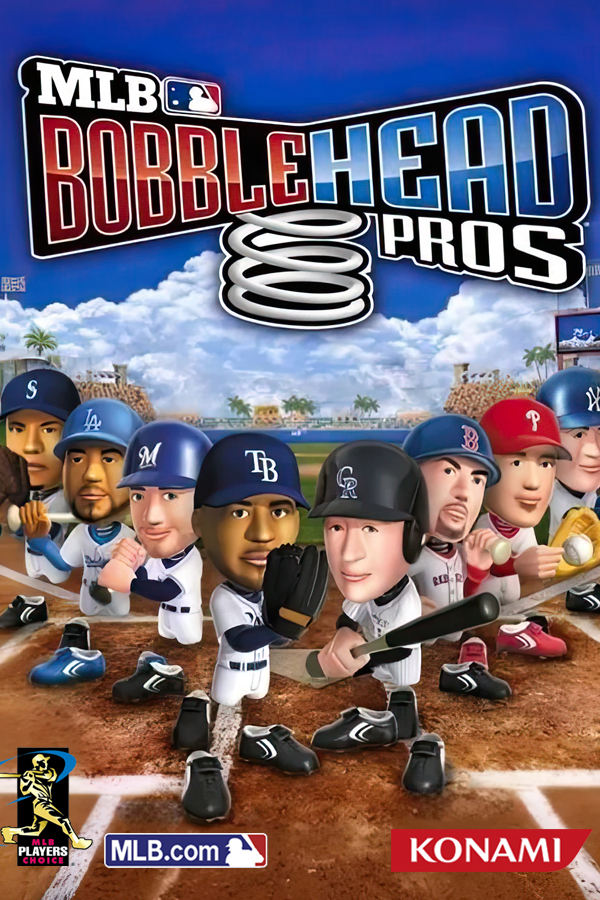
The Xbox 360 XBLA titles MLB Bobblehead Pros and MLB Bobblehead Battle now run natively on Windows through version 0.1.0 of MLB Bobblehead Recomp. Developer Wndwsqrrl built these ports using static recompilation, translating the original PowerPC game binaries into C++ code compiled directly into native x64 executables.
This release runs on a runtime derived from Xenia, avoiding traditional emulation overhead. Both games boot from menus into full matches using keyboard input or an XInput controller. A unified launcher manages game selection, resolution settings from 720p to 4K, V-Sync, and automatic discrete GPU selection on dual-GPU laptops.
Getting started requires supplying your own game files extracted from an Xbox 360 copy. On first launch, the setup wizard points to each game directory and verifies the default.xex version before displaying a verification status.
How to try it
- Extract your own copy of MLB Bobblehead Pros or Battle to obtain the
default.xexanddatafolder. - Download
MLB-Bobblehead-Recomp-0.1.0-setup.exeor the portable zip from the Releases page. - Launch the game, point the setup screen to your extracted game folder, and confirm verification.
Version 0.1.0 covers base games only, omitting roster updates and DLC. MLB Bobblehead Battle currently ships without audio, and NVIDIA users must keep the default ROV render path enabled in the configuration to prevent black screens.