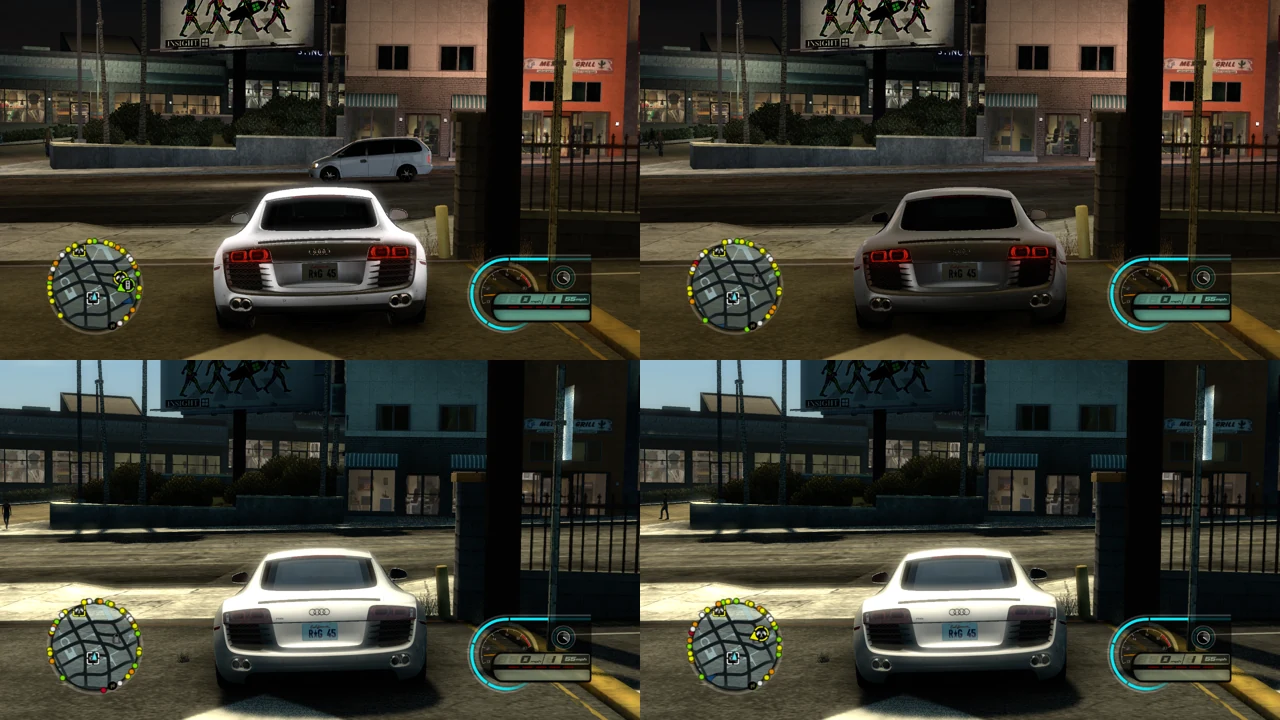
Midnight Club: Los Angeles PC recomp v0.3.9 fixes setup on exFAT and FAT32 drives
mcla-recomp v0.3.9 fixes a Windows install failure on exFAT and FAT32 drives and on folders owned by other accounts.
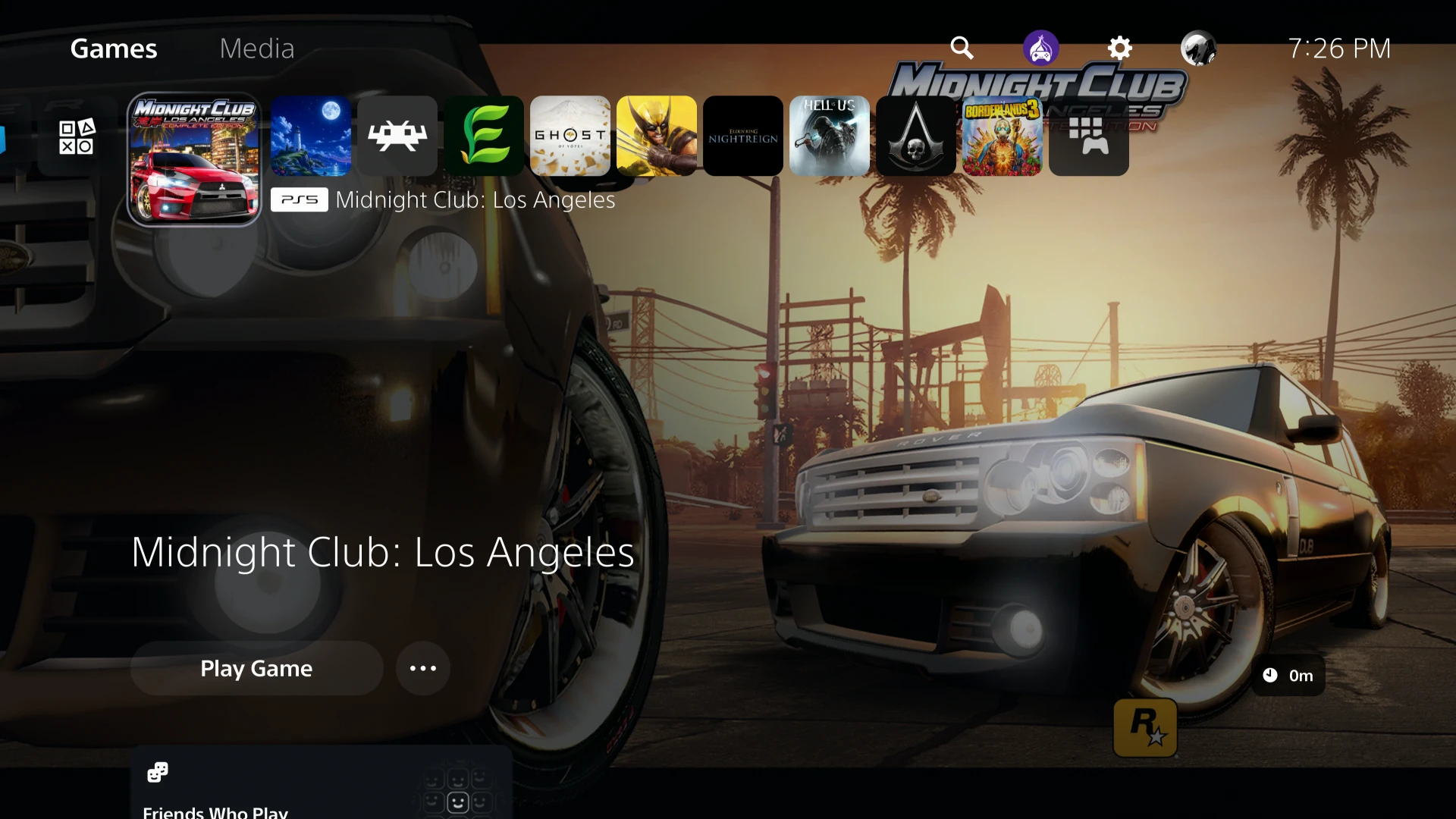
Midnight Club: Los Angeles Complete Edition, an Xbox 360 street racer, runs on PC through a static recompilation called mcla-recomp. Static recompilation translates the game’s original code into native code for Windows. The project ships no game files, so you bring your own disc image (.iso), and the launcher builds the game from it on your machine.
Release v0.3.9 fixes a setup failure on some drives. Installing to an exFAT or FAT32 drive, or to a folder owned by another Windows account, stopped right after the source download with “The source’s tag … points at nothing”. Git refused to work there because it could not confirm who owned the folder. The launcher now tells Git to trust the folders it creates itself, and Git’s own error messages go into the setup log. The author tested an update and a fresh install on Windows 11, but did not try an exFAT or FAT32 drive.
How to try it:
- Download
MCLA-Setup.exefrom the release page and run it. The file is unsigned, so SmartScreen may stop it. Click More info, then Run anyway. - In the setup wizard, pick a folder and your
.iso. The wizard downloads the build tools and builds the game. You need internet and about 10 GB of disk, and the folder’s path can be at most 129 characters. - If you already run v0.3, open the launcher and press Update and rebuild. Updating from v0.3.7 or earlier was not tested.