MediEvil PC port 1.3.4 fixes a level 3 crash on NVIDIA and louder audio
Version 1.3.4 of the MediEvil PS4-to-PC port fixes a level 3 crash on NVIDIA cards, cuts stutter and makes 60 FPS the default again.
PS4 → PC (Windows) · Port
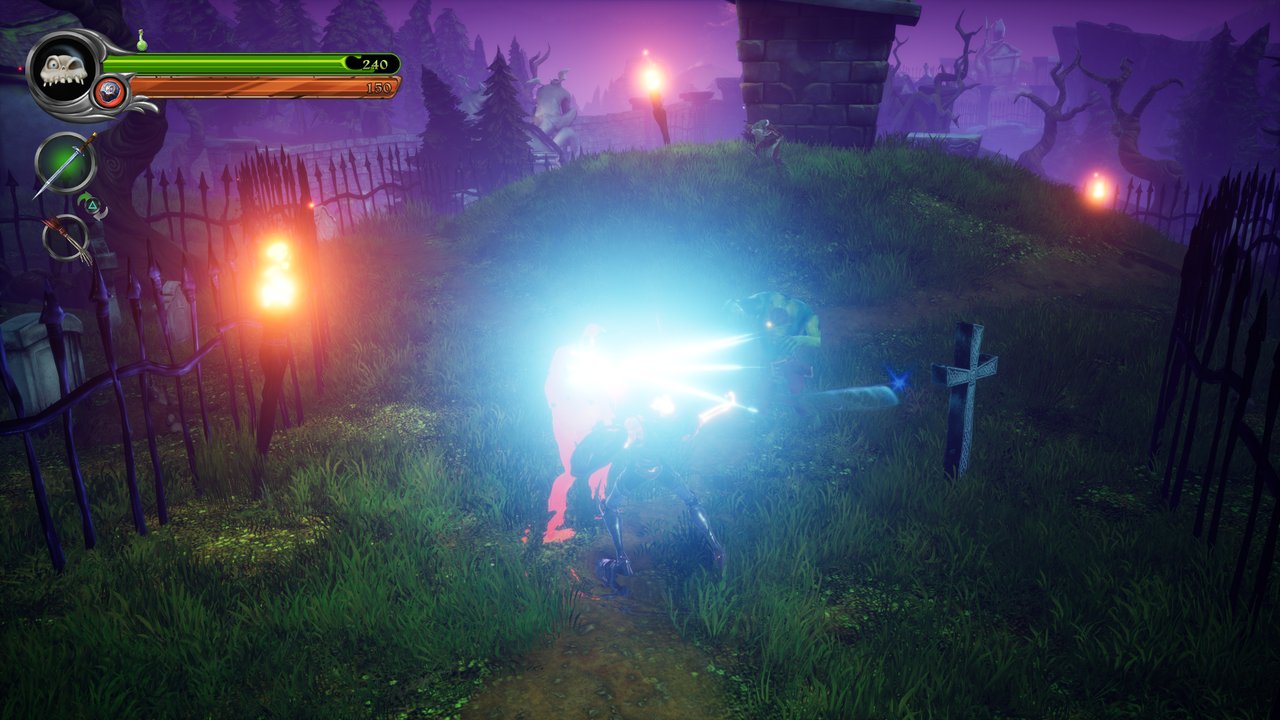
Version 1.3.4 of the MediEvil PC port is out. MediEvil is the 2019 PS4 game, and this port runs its original x86-64 code directly on a Windows PC. Graphics go through the shadPS4 video core, which translates PS4 GPU commands to Vulkan. You still need your own copy of the game, since no game files are included.
The main fix is a crash in level 3 on NVIDIA cards. A GPU copy was being recorded while draws were still queued, and the driver fell over on the next draw. The command thread now waits for the draw recorder. The release also removes texture churn that caused stutter, especially on 8 GB laptop cards. 60 FPS is the default again, and 120 and 240 are labelled experimental.
The audio changed too. The game sends 7.1 sound, and SDL’s stereo downmix played it about 13 dB too quiet. The port now does its own stereo mix at full level.
To try it:
- Download
medievil-windows.zipfrom the release page and extract it outside the zip. - Open
MediEvil.exe. It’s unsigned, so pick More info, then Run anyway. - On the Game page, choose Choose .pkg… or Browse… to the folder with
eboot.bin. - Pick a Render resolution and press PLAY.
You need Windows 10 or 11 64-bit and a Vulkan 1.3 GPU. On a 4K TV with native 4K output, the gamepad can’t reach menu items outside the top-left 1920×1080 area yet. Use Render resolution → 4K (sharpest) as a workaround.
