MechCommander 2 recomp v0.1.0 loads the first campaign mission on Windows
A static recomp of MechCommander 2 for Windows runs the intro, menus and first mission. You supply the disc.
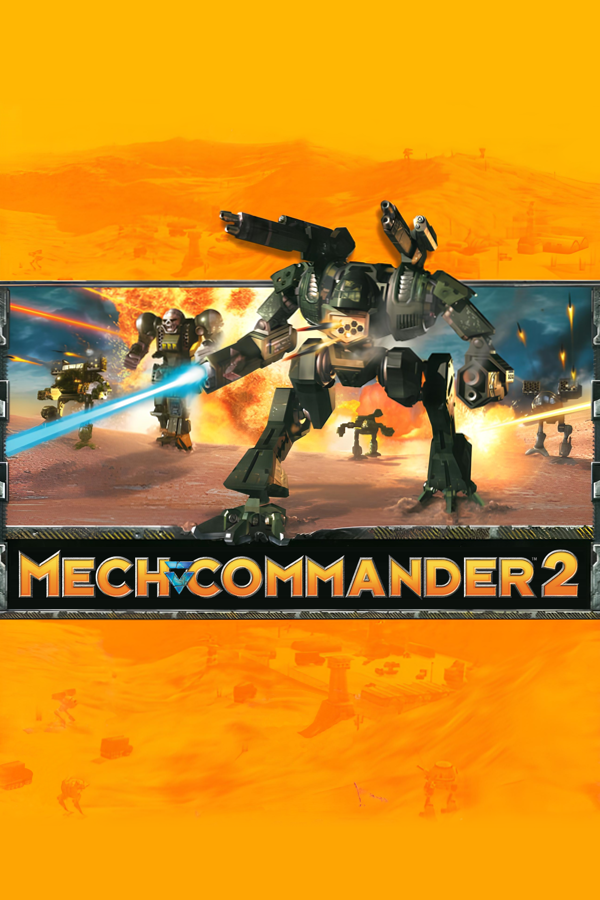
MechCommander 2, the 2001 mech tactics game for Windows, now has a static recompilation you can build yourself. The v0.1.0 release of mechcommander2-recomp turns the original executable into native C. It runs the intro, the menus and the first campaign mission on a modern PC.
Static recompilation translates the game’s machine code ahead of time into C source, which then compiles into a normal Windows program. The project sits on pcrecomp, the toolchain behind it. Nothing from the game ships in the repo or the installer. You bring your own disc or disc image, and the build runs on your machine.
The disc’s debug symbol file, MC2REL.PDB, names 9,776 functions. That lets the lift cover the whole program: 15,007 functions and zero lift errors, according to the README. The first mission loads with terrain, mechs, buildings and the HUD, drawn through the game’s own Direct3D 7 path. Nobody has played it through yet. The release also needed two pcrecomp fixes, and one of them had put the camera on the ground.
How to try it:
- Get your MechCommander 2 CD, or an .iso, .mdf or .zip holding one.
- Download MC2-Recomp-Installer-windows-x64.exe from the v0.1.0 release. SmartScreen warns about the unsigned file: More info, then Run anyway.
- Point the installer at the disc and press Build. It installs Python, CMake, Ninja and the Visual Studio Build Tools if they’re missing. Plan for one to four hours, about 6 GB of disk space and 16 GB of memory.
- Press Play.
Limits: Windows only, with Windows 10 or 11 required. Joysticks are ignored, so the game uses mouse and keyboard. The game switches your main monitor to 800x600 at startup, as the original did. Multiplayer has not been tried. The author asks for reports on what breaks.