LmCoop 1.7.4 Fixes Online Lab Freeze in Luigi's Mansion PC Recomp
Luigi's Mansion PC recompilation LmCoop v1.7.4 fixes an online co-op freeze when leaving E. Gadd's lab and extends tracing output.
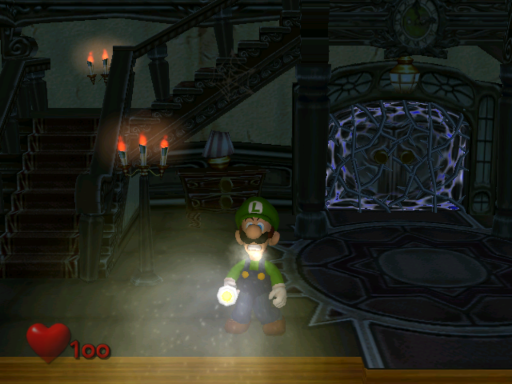
The LmCoop project released version 1.7.4 for Windows, fixing a freeze in its experimental online co-op mode.
Previously, when the host picked a destination in E. Gadd’s lab, the guest stayed in the lab cutscene. The client still thought the cutscene was running and ignored the new map. Version 1.7.4 drops the old cutscene as soon as the host sends a newer map, so the guest follows the host into the mansion, Training Room or Gallery. The update also removes the 100-line cutoff for diagnostic tracing with LM_ONLINE_TRACE=1 or LM_POS_TRACE=1.
A second player’s controller that does nothing and a door that opens at the start remain open. The developer suspects controller detection on that PC. Full campaign completion and reliable sync across separate PCs have not been verified, according to the README.
- Download the Windows x64 ZIP from the LmCoop Releases page.
- Extract the archive to a writable folder on Windows 10 or 11 with a Direct3D 12 capable GPU.
- Run
LuigisMansionRecomp.exeand drop your USA disc dump (GLME01 revision 0) onto the setup screen to build the game module. - Select Multiplayer, choose Host or Join, and connect with the host’s address, port and password.
