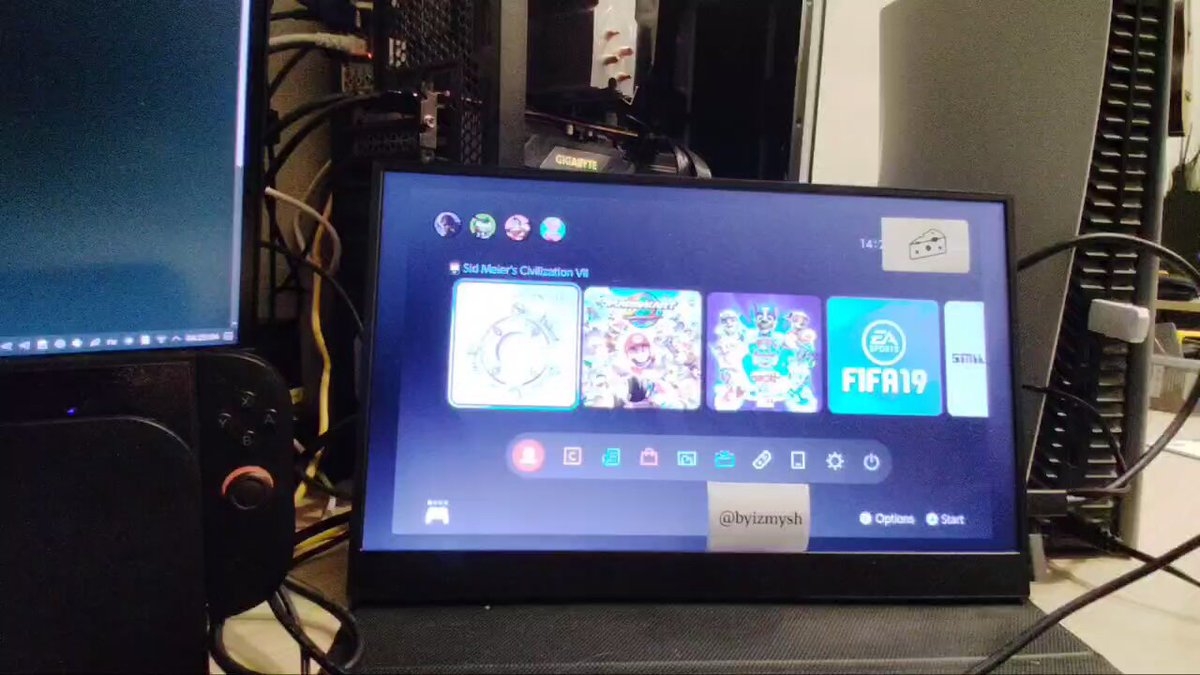
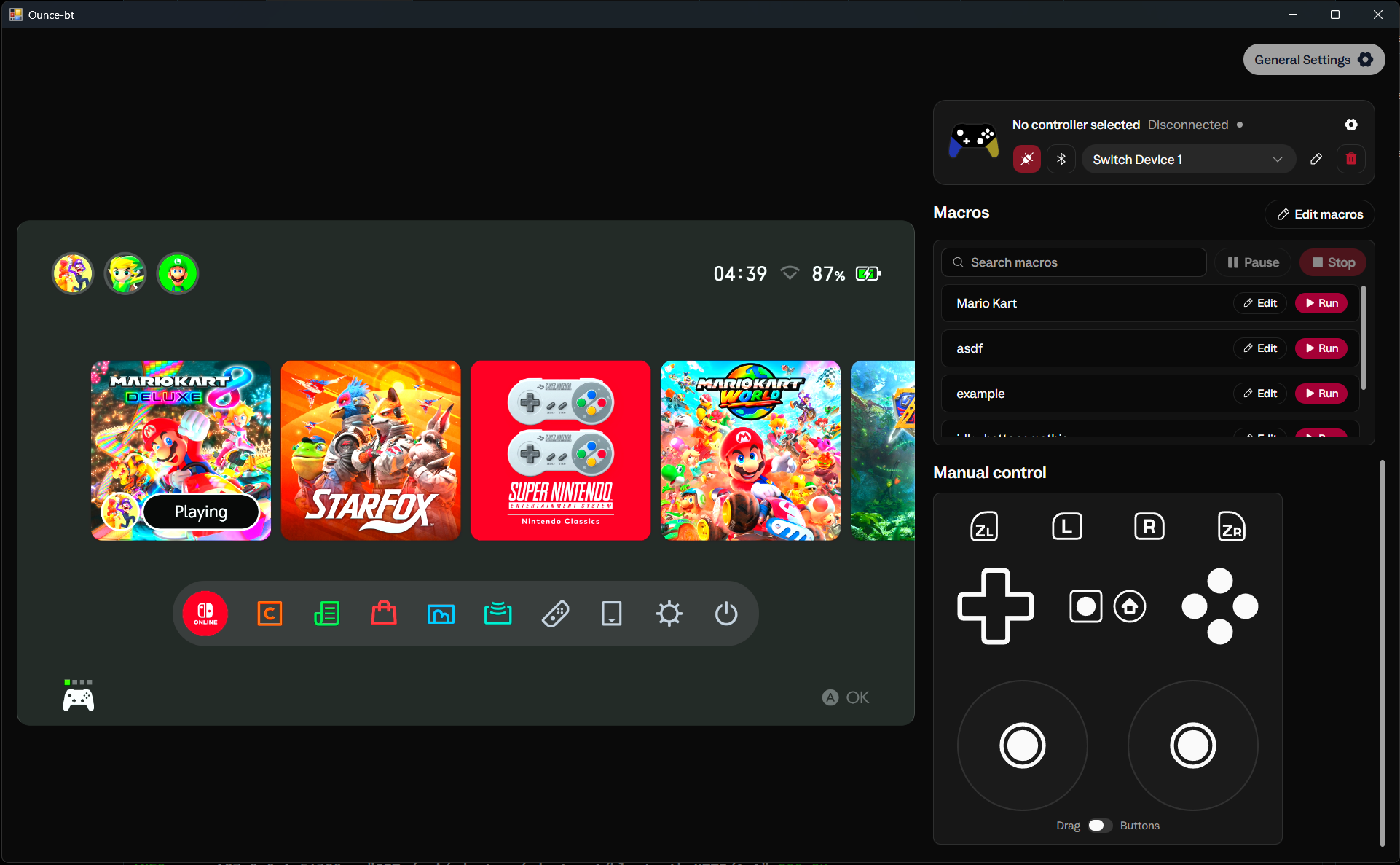
Lichii BC-250 Decky Plugin v0.2.3 Adds Switch 2 Steam Shortcuts and Board Tuning
Developer Pix13 released v0.2.3 of lichii-bc250-decky, integrating the Lichii Switch 2 emulator into Steam Game Mode on AMD BC-250 boards.
Developer Pix13 released v0.2.3 of lichii-bc250-decky, a plugin for Decky Loader that integrates the Lichii Switch 2 emulator into Steam Game Mode on AMD BC-250 Linux builds. Adapted from the KytyPS5-Native plugin, it installs and updates the lethevimlet/lichii-bc250 emulator directly from the Steam overlay.
Pointing the plugin at a games folder scans formats like .nup, .nsp, .xci, and .nx to generate Steam shortcuts with extracted icons without restarting Steam. Each game gets a library menu page to toggle frame generation, docked mode, language, DLC, updates, and cheats stored in ~/.local/share/eden/load/<title id>.
The System tab automates memory and kernel adjustments required by the BC-250 board, including a 12 GiB GTT limit, zram configuration, systemd-oomd guards, and sysctl memory tweaks via rpm-ostree kargs, limine, or grub. Users can restrict temporary memory settings to active gameplay so other emulators keep their defaults.
To install, enable developer mode in Decky Loader, load lichii-bc250-decky-v0.2.3-Decky.zip via the settings menu, and run the emulator installer from the plugin panel. Users must supply their own keys, firmware, and game dumps in ~/.local/share/eden.