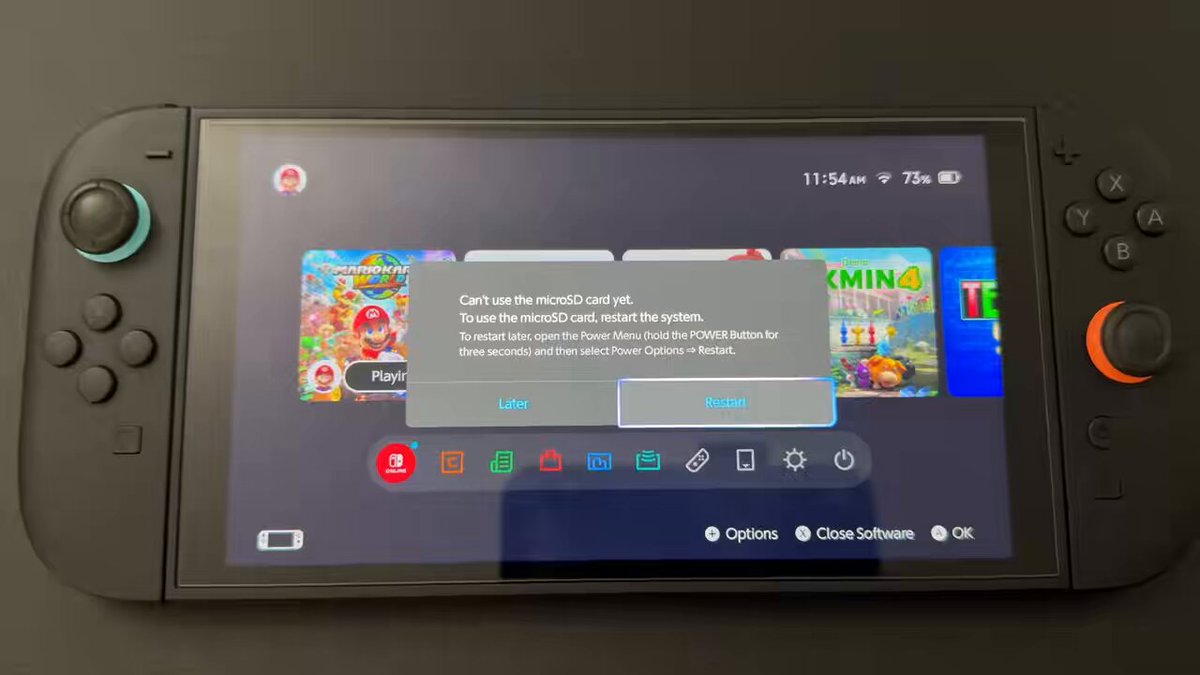
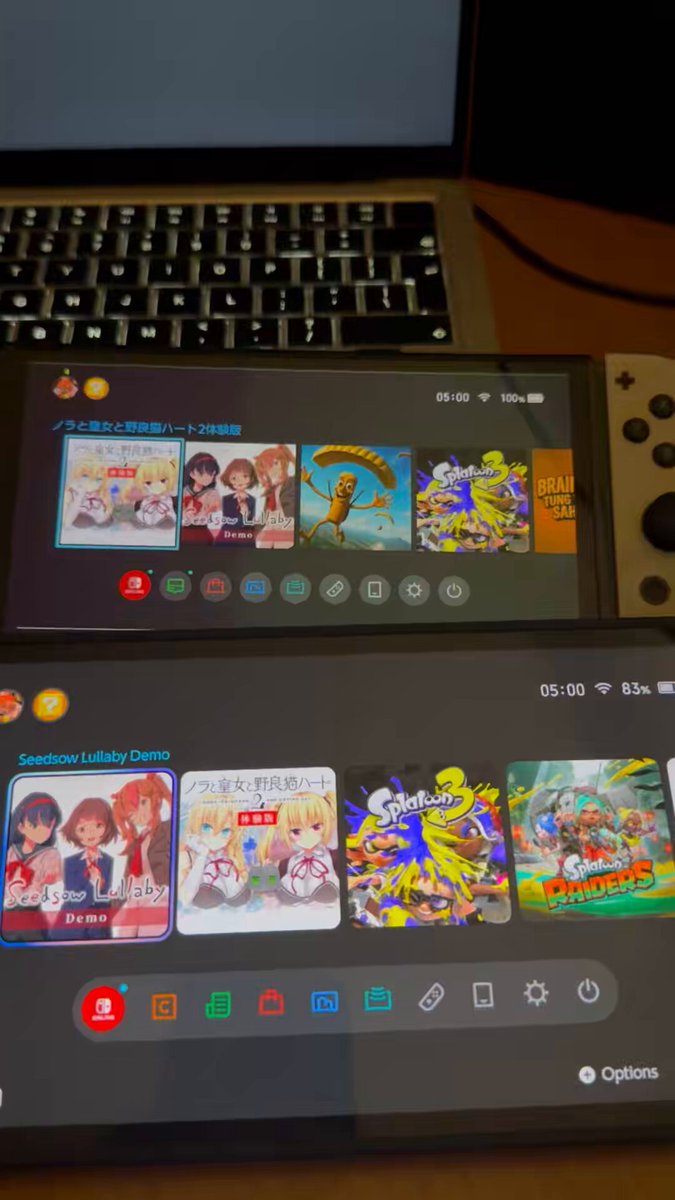
IZ2S Platform 0.3.0 Adds Civilization VII Homebrew Route on Linux
IZ2S Platform 0.3.0 adds Civilization VII support for Switch 2 homebrew on Linux with filesystem tools, while Windows stays available for SmileBASIC 4.
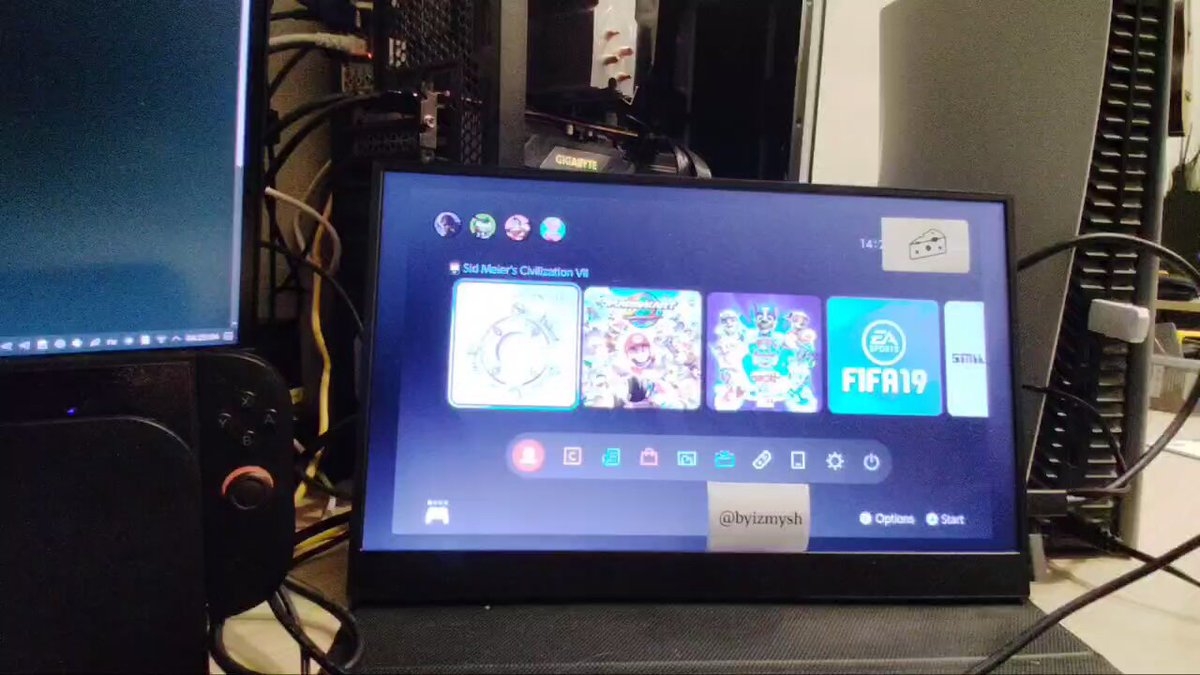
IZ2S Platform 0.3.0 adds a Civilization VII launch route for Nintendo Switch 2 homebrew on Linux. The release includes the integrated IZ2SCiv core with a setup wizard, an SD-card package, and filesystem tools, while SmileBASIC 4 remains available on both Linux and Windows.
The Civilization VII route provides filesystem access and preserves license texts and credits for the original CivSwitch, CivSwitchLDN, CivSwitchFS, kaiHEN-port, and LDN authors. Windows x64 gets a ready-to-extract SmileBASIC 4 package with bundled Node.js, automatic setup for missing Python, Pillow, and SSH dependencies, normal-mode panel startup, and process cleanup when stopping SB4. Device setup for Cardputer ADV and Switch 1 creates pairing automatically and can restore saved pairings across installations for the same user.
The release includes IZ2S Cheese 0.8.1 alongside five other apps in the library: BlitBun 1.15.8, Book Reader 0.1.0, Foldrift 0.3.3, VacooTube 1.5.7, and IZPSX emulator 0.5.2.
How to install and current limits
Use IZ2S-Platform-0.3.0-linux.tar.gz or IZ2S-Platform-0.3.0-windows-x64.zip from the release rather than GitHub’s automatic source downloads. BIOS and game images are not included, and internet access is required when setup downloads missing dependencies.
- Extract the archive into a new folder without overwriting an existing installation.
- On Linux (x64 or ARM64), open a terminal in the extracted folder and run
sh ./install.sh --launch, then use the IZ2S Platform shortcut or./start.shlater. - On Windows x64, extract the ZIP and run
Start.cmd(orInstall.cmd), then useStart.vbsfor later launches to hide the command-line window.
Civilization VII support is marked Linux-only on the Windows panel, and the BlitBun and VacooTube PC media services also require Linux. Windows ARM64 and 32-bit systems are not supported, the local panel opens at http://127.0.0.1:39524, and PC Link uses port 39525.
With Civilization VII limited to Linux for now, Windows x64 users have SmileBASIC 4 and the cross-platform library apps while Linux gets the new entry point and Linux-only media services.