Jet Force Gemini Recomp 1.1.0 runs on Windows without build tools
Jet Force Gemini Recomp v1.1.0 is a Windows x64 build of the N64 game with a one-time ROM import and no developer tools needed.
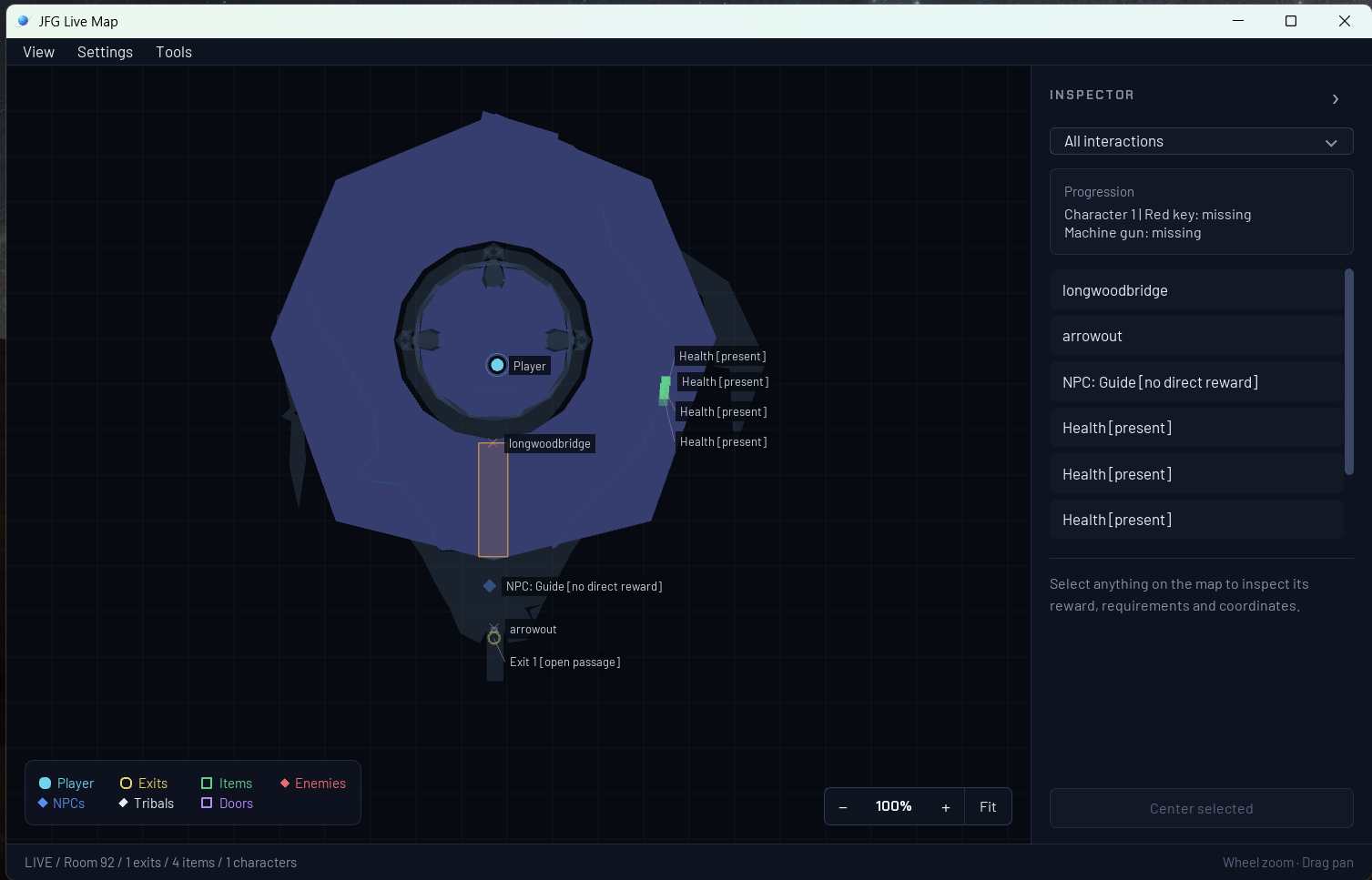
Jet Force Gemini Recomp v1.1.0 is out for Windows x64, and the big change is installation. You download a ZIP, extract it, open JFG-Launcher.exe, and play. The project is a static recompilation of the N64 game Jet Force Gemini, which turns the original code into a native Windows program. No emulator needed.
The earlier builds needed Git, Python, Visual Studio Build Tools, WSL and a first-run build. All of that is gone. The launcher asks you to import your North American .z64 ROM once. After the import, you can move or delete the original file, because the launcher keeps its own local copy. The release ships no ROMs and no game assets. Textures, models and audio are read from your imported copy.
Other changes: a centered 4:3 game area keeps cutscene bars correct in wide windows and fullscreen. The central ROM banner is gone after import, but Game > Select ROM… is still there. Saves and settings stay in your profile. If you run it in a software-only VM, the launcher now tells you directly that hardware graphics are required.
The install approach is inspired by the Zelda64Recomp team, and the README credits them. The maintainers call it an independent implementation.
The maintainers report the campaign is fully playable from start to finish. Their verification run used infinite-health and enemy auto-kill testing mods, plus a save with all Tribals unlocked, so it was not a plain run. Original-console accuracy is still under validation, and known issues are listed in the project docs.
How to try it:
- Download
JFG-1.1.0-windows-x64.zipfrom the v1.1.0 release. - Extract the entire ZIP.
- Open
JFG-Launcher.exeand use Select ROM… to import your supported US.z64ROM. - Click Play.
Keyboard and XInput controllers work. Experimental mouse-and-keyboard aim and dual-stick controls work in single-player only, and you enable them per device in the Controller Mapping window.
The installation change matters most. A recomp that once needed a full build toolchain now installs like a regular game download. Playtesting on more PCs and controllers continues, and the known-issues list is where that shows up.